Operations relied on inboxes and memory, and delays crept in
Inventory updates lagged, orders waited for someone to notice
Manual data entry meant more corrections and customer escalations
Every integration meant custom code to move data between steps
Automated actions replace manual updates, hands-off between steps
A completed receipt raises putaway tasks automatically, no rekeying
Quality checks and holds apply automatically when conditions are met
Triggers drop files to SFTP or call webhooks, no custom code needed
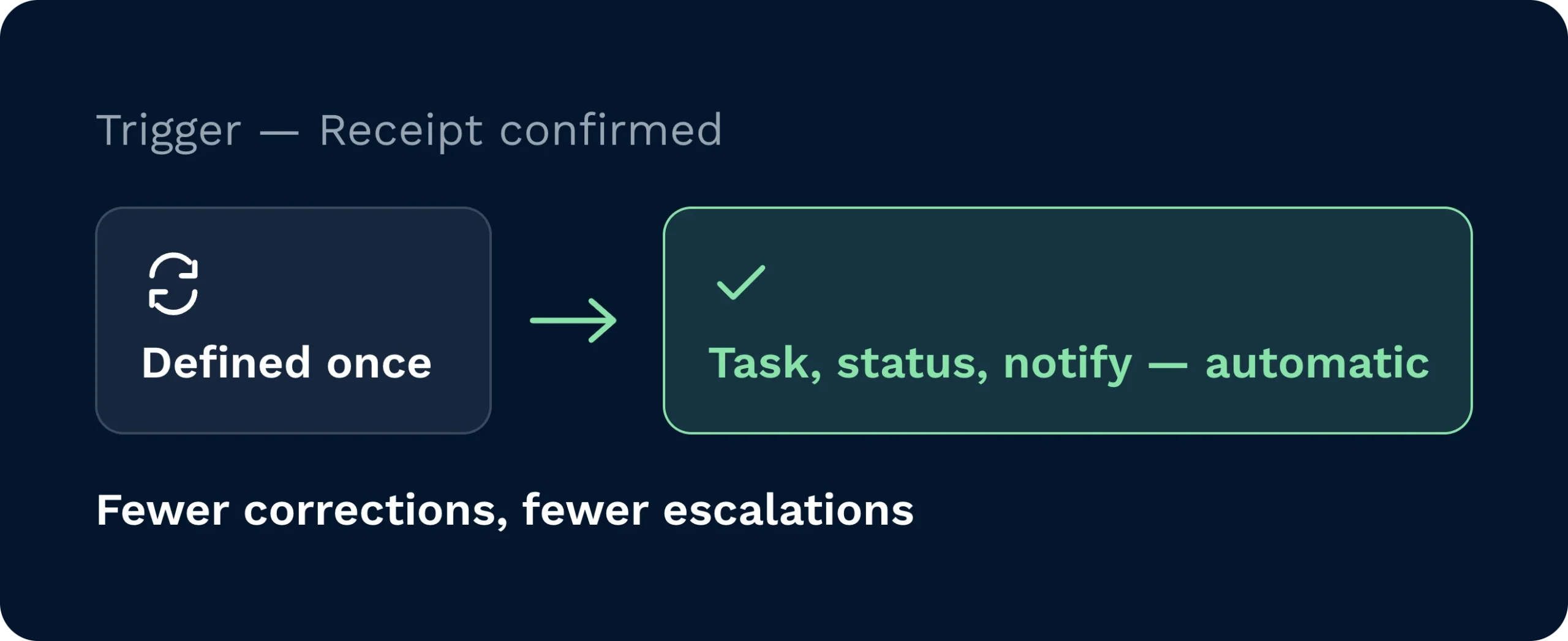
Replace manual updates with automated actions. Define a trigger once, then let the system generate tasks, update statuses, and notify stakeholders. Cleaner data means fewer corrections and fewer customer escalations.
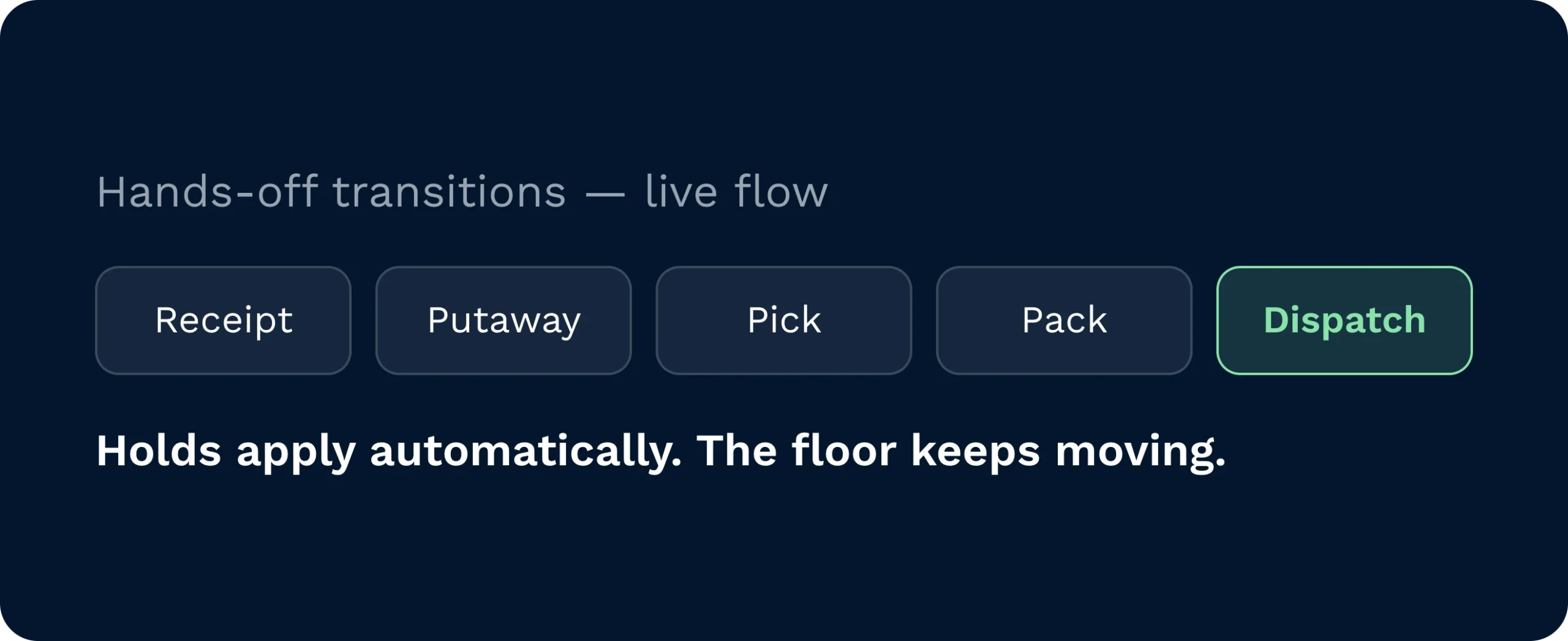
Protect throughput with hands-off transitions between steps. Receipts flow to putaway. Orders flow to pick, pack, and dispatch. Quality checks and holds apply automatically when conditions are met. Your floor keeps moving.
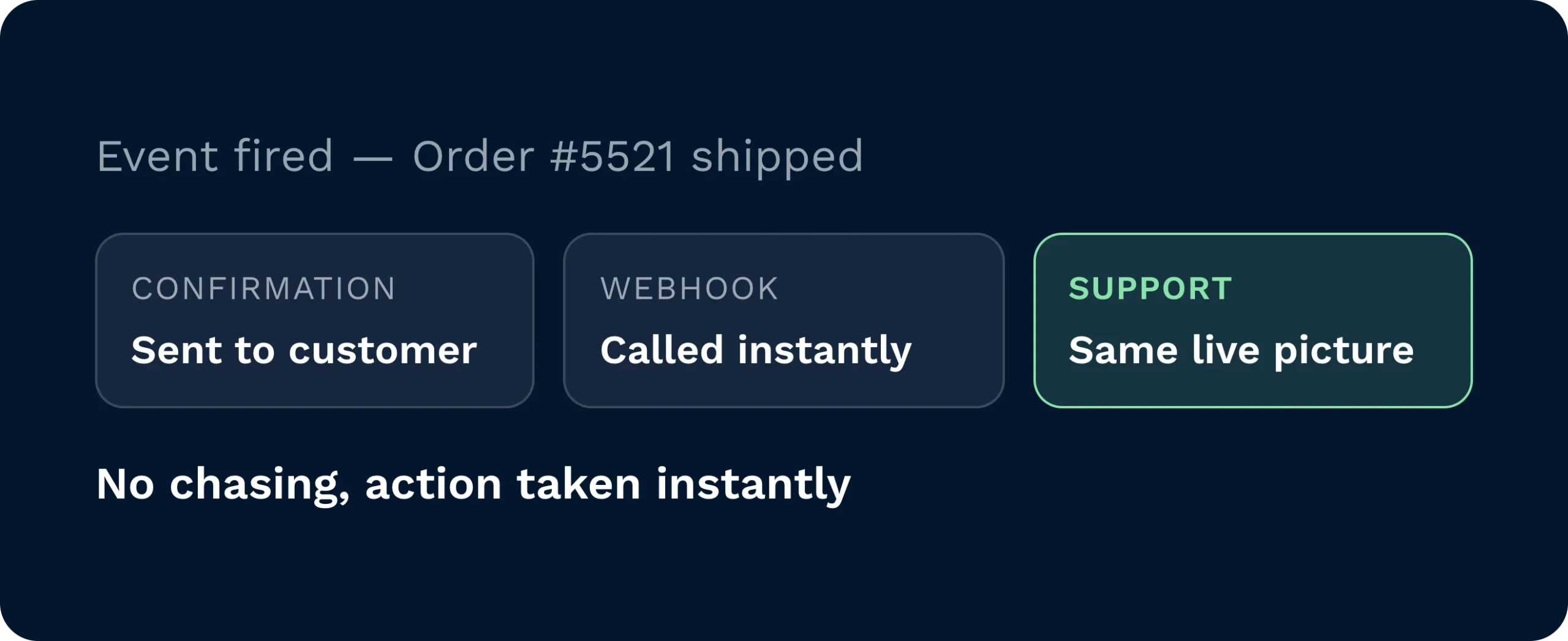
Give customers timely updates without chasing. Triggers can send confirmations, export files, or call webhooks as events occur. Support teams see the same live picture and can act immediately when something changes.
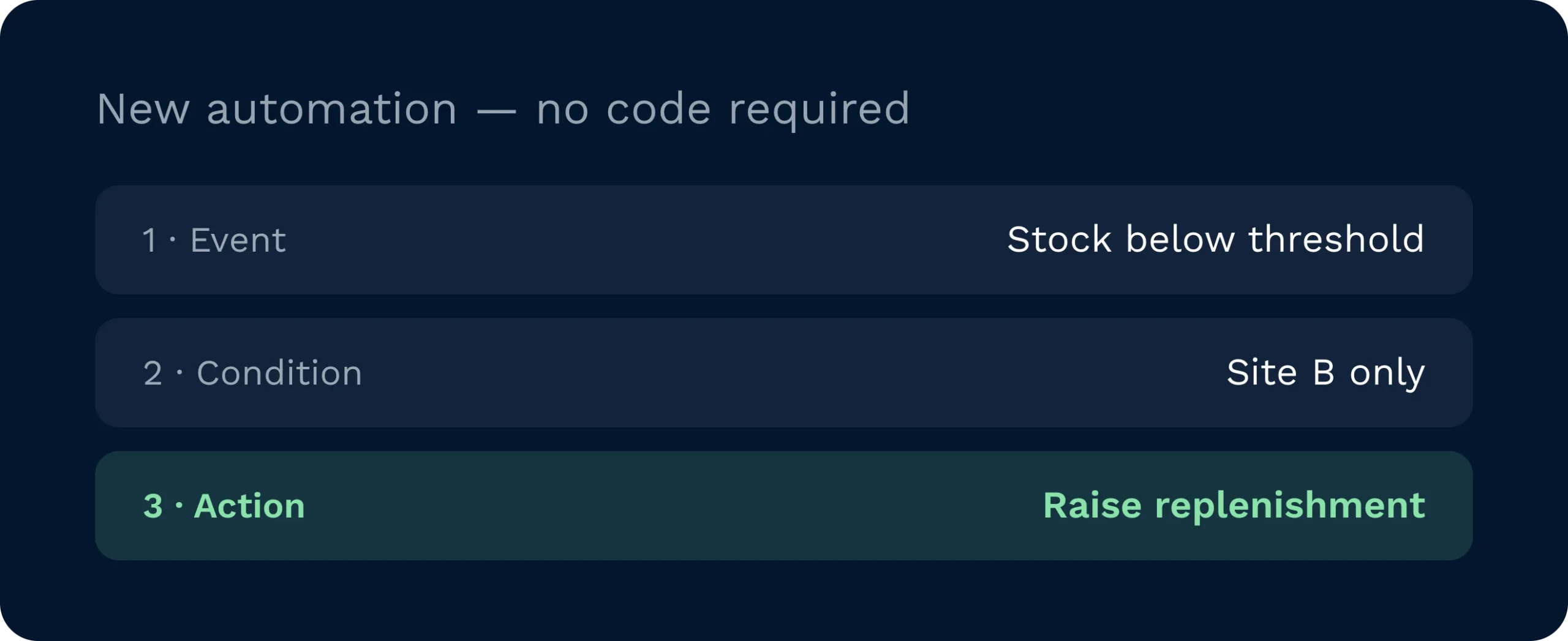
Build, test, and refine automations in the platform. Choose the event. Add conditions. Define the action. Deploy confidently and scale rules as you grow.
When operations rely on inboxes and memory, delays creep in. Inventory updates lag. Orders wait for someone to notice the next step. With Clarus WMS, event triggers connect every stage. A completed receipt automatically raises putaway tasks. A released order generates directed picks and flows to pack and ship without rekeying. Exceptions route to the right person with context. Accuracy lifts. Lead times shrink. Your team focuses on value instead of admin.

Set policy once and roll it out safely. Define which events raise tasks, when to enforce quality holds, and when to alert customers. Event triggers provide a control layer for SLAs and cost, so performance is designed in, not chased later.

Putaway, replen, and pick lists arrive just-in-time. Tasks are sequenced by cut-off and capacity, not by email. Exceptions show with clear next actions. The result is fewer stoppages, cleaner benches, and on-time dispatch.

Expose the right data at the right time. Use triggers to drop files to SFTP, call webhooks, and push event payloads to partners without bespoke code. You standardise integrations across customers while staying agile.
Clarus exposes modern APIs, secure SFTP, and webhooks so you can connect to ERPs, OMS, carriers, and partners. Triggers can generate export files in CSV, XML, or text and deliver them automatically, or push structured payloads to your endpoints. Because rules are configured in-platform, you can iterate without waiting for custom development.
Yes. Add conditions to target specific warehouses, customer accounts, carriers, or SKUs. For example, you can notify only when an order for Account X leaves Warehouse B, or apply a hold when a product class fails a tolerance. Conditions keep automation precise and prevent noisy alerts.
They do. As events occur, the system updates statuses, adjusts stock, and raises follow-on tasks automatically. That reduces lag between physical movement and system truth. With fewer manual entries, you avoid duplication, missed steps, and preventable discrepancies.
Create text, CSV, or XML files with columns you control and drop them to SFTP on schedule or immediately when an event occurs. You can also call webhooks with payloads tailored to partner needs. File naming conventions are configurable per customer so everyone gets the format they expect.
Start small. Pick a simple but valuable trigger, such as generating a despatch confirmation file for one customer. Validate the outcome, then expand to more events and partners. This incremental approach speeds time-to-value and builds internal confidence.
No. They take care of the predictable, repeatable steps so your team can focus on exceptions and improvement. You still set the rules and retain overrides. Automation amplifies good process. It doesn’t remove control.
Still on the fence? Spend four minutes watching Clarus handle goods‑in, picking and dispatch. You’ll see why our customers keep saying ”yes” to new contracts.