Inpakbureau

Van draagtas tot etiket in enkele minuten.

Packing Desk turns packing into a simple, guided flow. Scan your tote or order, confirm quantities, pick a box, and print the label. Less friction. Fewer mistakes. Faster despatch.

Sneller controleren.

Minder geschillen.

Papierloos bewijs.

The old way vs Clarus.

Spreadsheets got you here. They won't get you further.

Vóór

Guesswork and manual re-keying slowed packing down

Quantity errors led to short-ships and rework

Paper-based processes left disputes with no trail

Label printing friction disrupted dispatch timing

Na

Guided workflow takes totes to labelled boxes in minutes

On-screen prompts confirm items and quantities before packing

Labels print automatically the moment a package closes

Every action is logged, with one-tap correction if needed
How it works.

Start seeing results straight away.

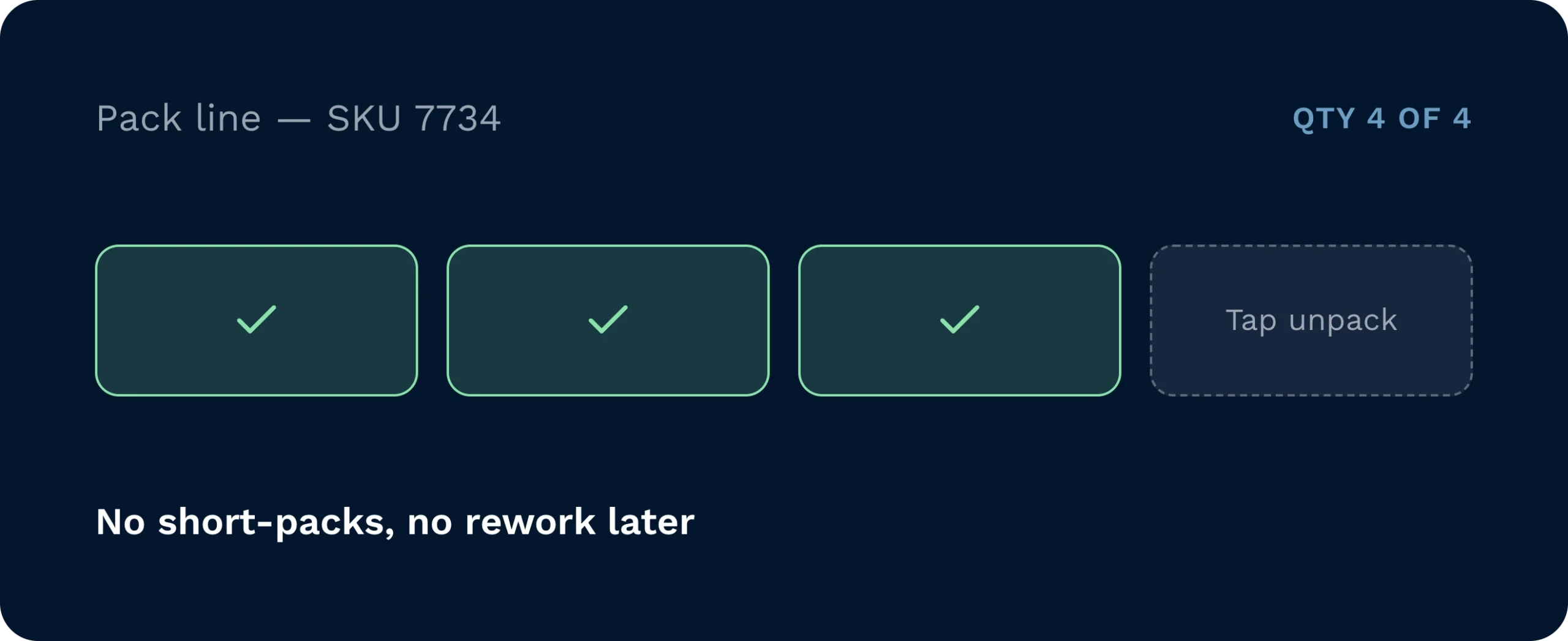
A warehouse management system packing interface tracks sku quantities to ensure accurate order fulfilment. The screen confirms packed items alongside a message stating no short-packs and no rework later, highlighting an error-free packing process.

Guided, error-proof packing.

On-screen prompts confirm item and quantity. For multi-qty lines, a quick confirmation prevents short or over-packs. If something’s off, tap unpack, fix it, and carry on (no paperwork, no rework later).
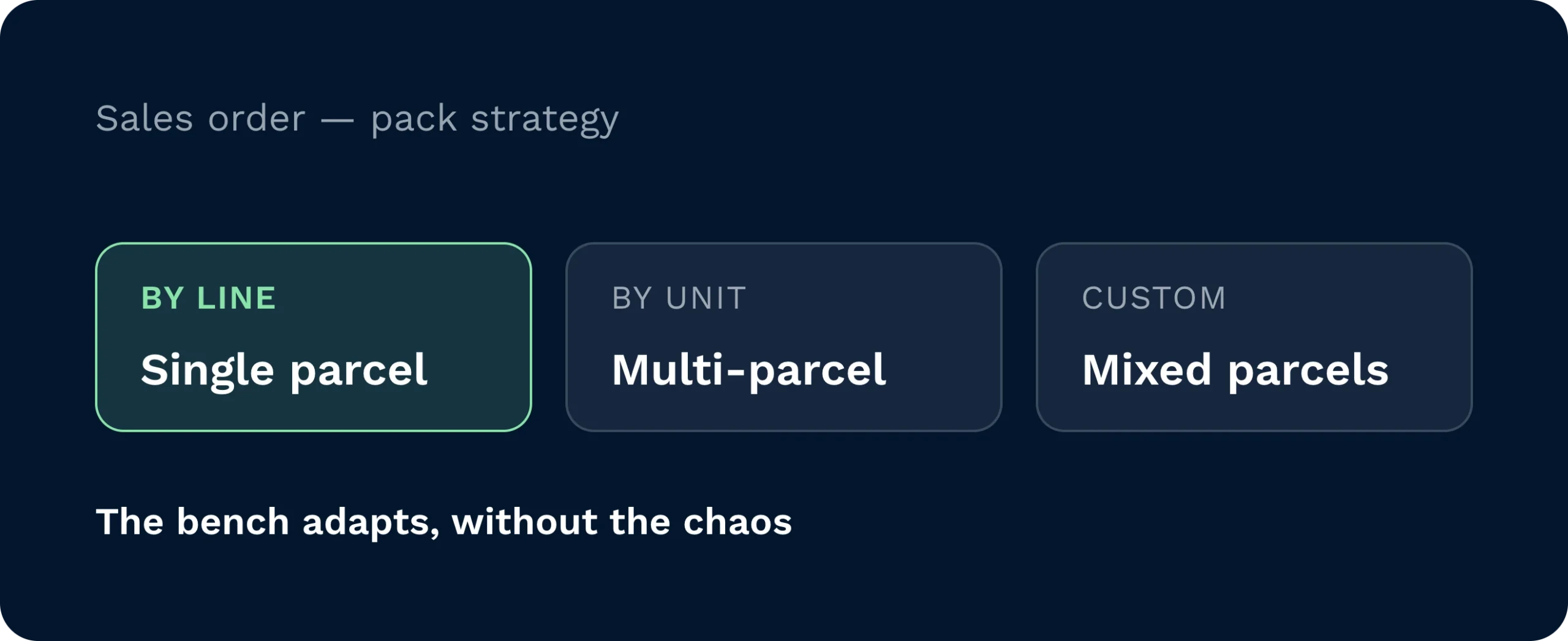
A warehouse management system interface displaying sales order pack strategy options for single, multi-parcel, and mixed parcels. The digital packing bench adapts to various fulfilment methods to streamline the packing process.

Flexible pack strategies.

Set dispatch to shipment and choose pack strategy by line, by unit, or custom on the sales order. The bench adapts… single parcel, multi-parcel, or mixed, without creating chaos.
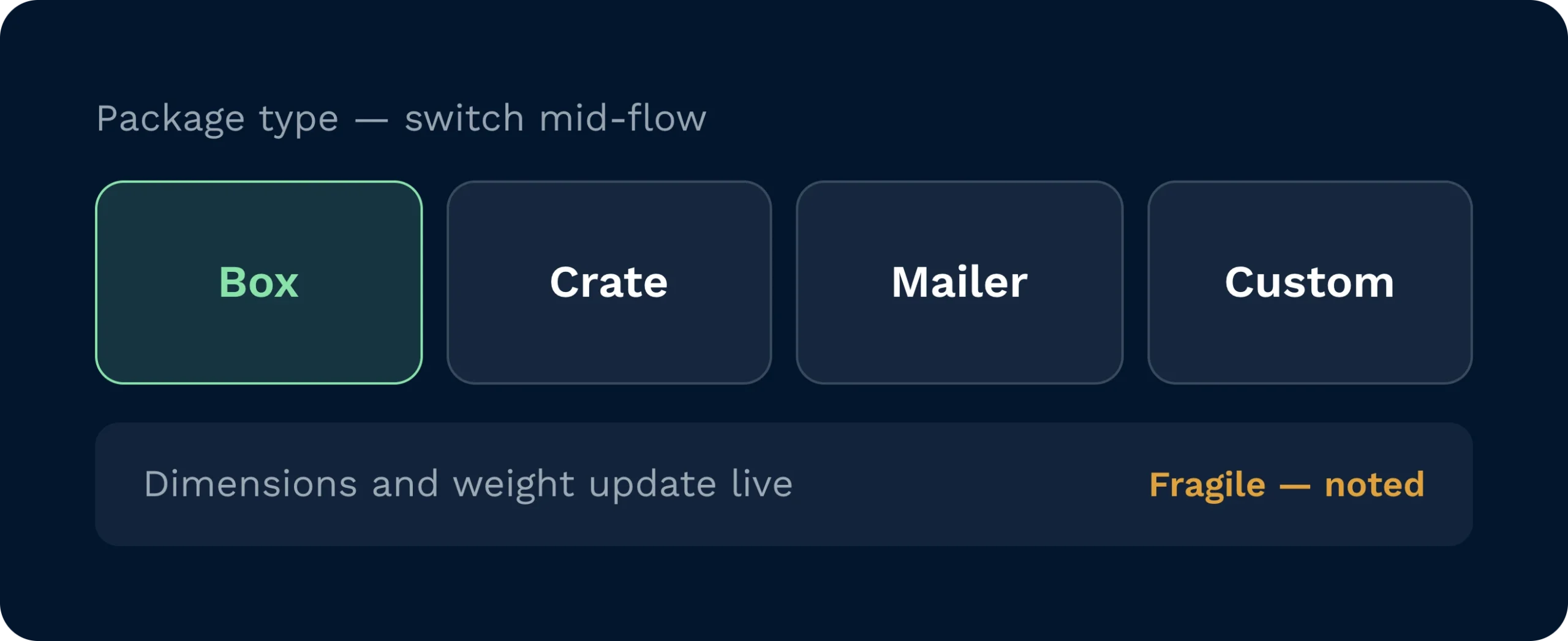
A warehouse management system interface allowing users to dynamically switch package types such as boxes, crates, and mailers mid-flow. The digital packing bench provides live updates for dimensions and weight while noting fragile items to optimise order fulfilment.

Packaging that fits reality.

Pick from boxes, crates, mailers, or custom types. Switch mid-flow if needed. Dimensions and weights update live; hazardous or fragile notes follow the parcel.
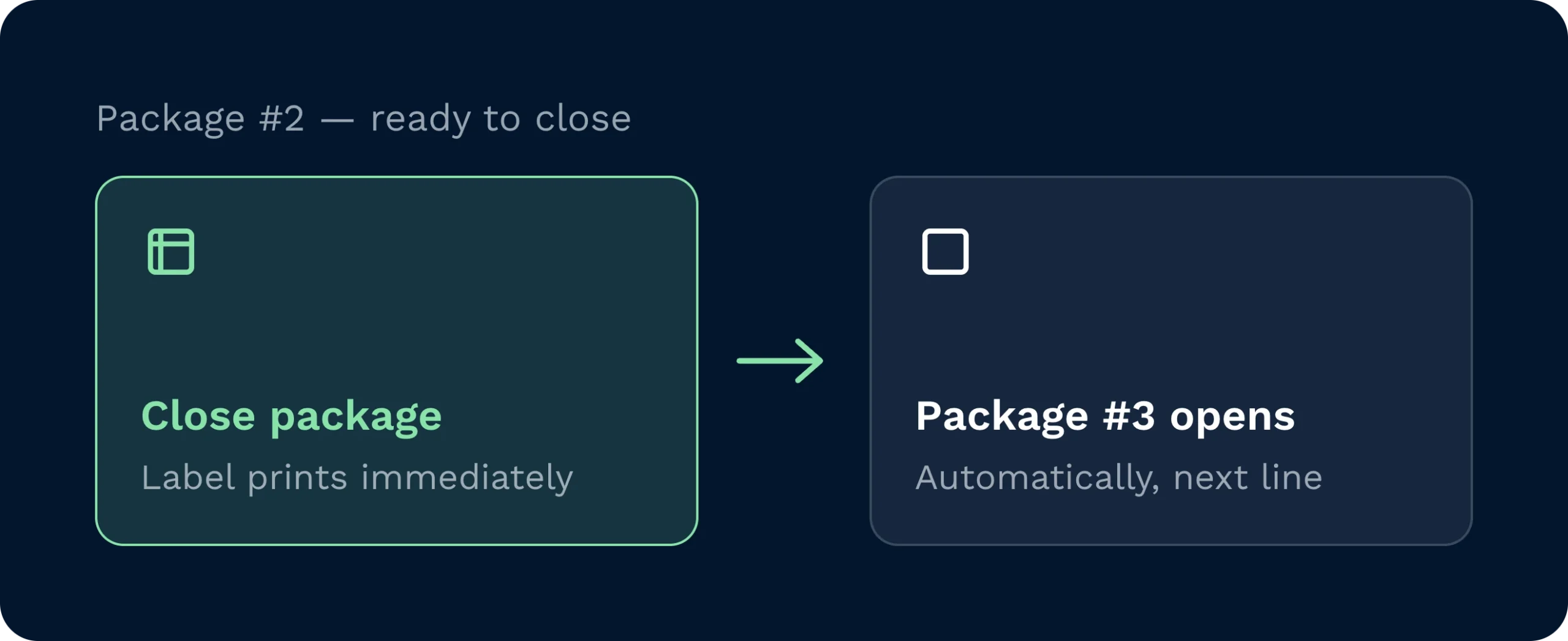
A warehouse management system interface displaying an automated packing workflow where closing a package immediately prints a shipping label. The system then automatically opens the next package in the order line to optimise warehouse fulfilment speed.

One click to close and label.

Hit close package and labels print immediately. If lines remain, the next package opens automatically, keeping rhythm at the bench and carriers happy at the door.

Remove the bottlenecks at the bench. Werk slimmer.

Packing slows down when your team has to guess or re-key. With Packing Desk, they scan the tote, order, or pick ref, see exactly what’s needed, en follow clear prompts. Choose packaging up front, confirm quantities fast, and fix mistakes with a single tap. Close the parcel, print the label instantly, and the next one opens automatically.

Hoe deze functie helpt uw team.

Head of operations tracks pack throughput and label success in real time.

Hoofd Operaties

Hold SLAs by seeing flow, exceptions, and cut-off risk at a glance.
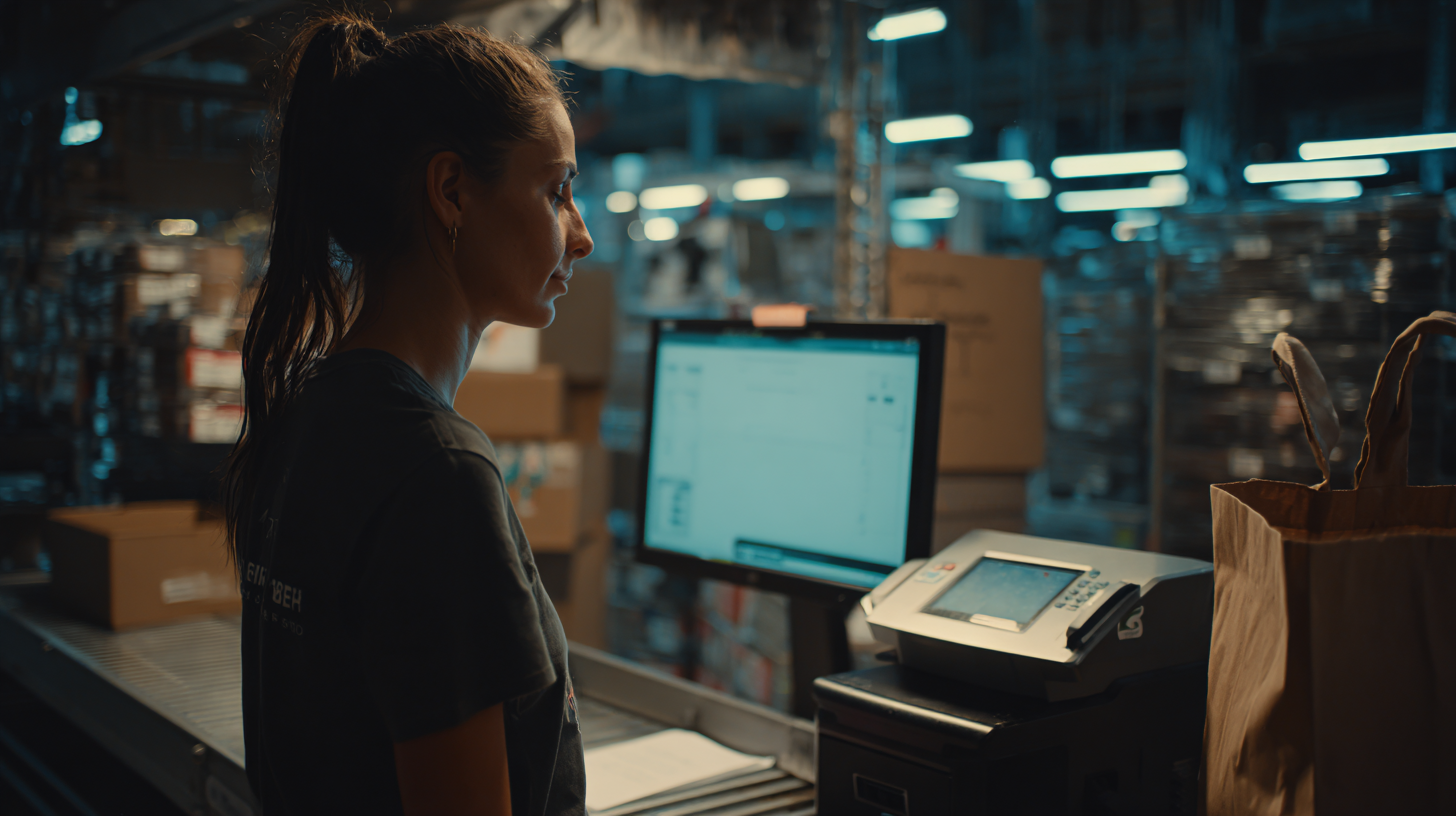
Manager sets packaging type and confirms live weight with remembered printer.

Magazijnmanager

Keep benches unblocked. Swap packaging mid-flow, resolve issues, and keep labels rolling.
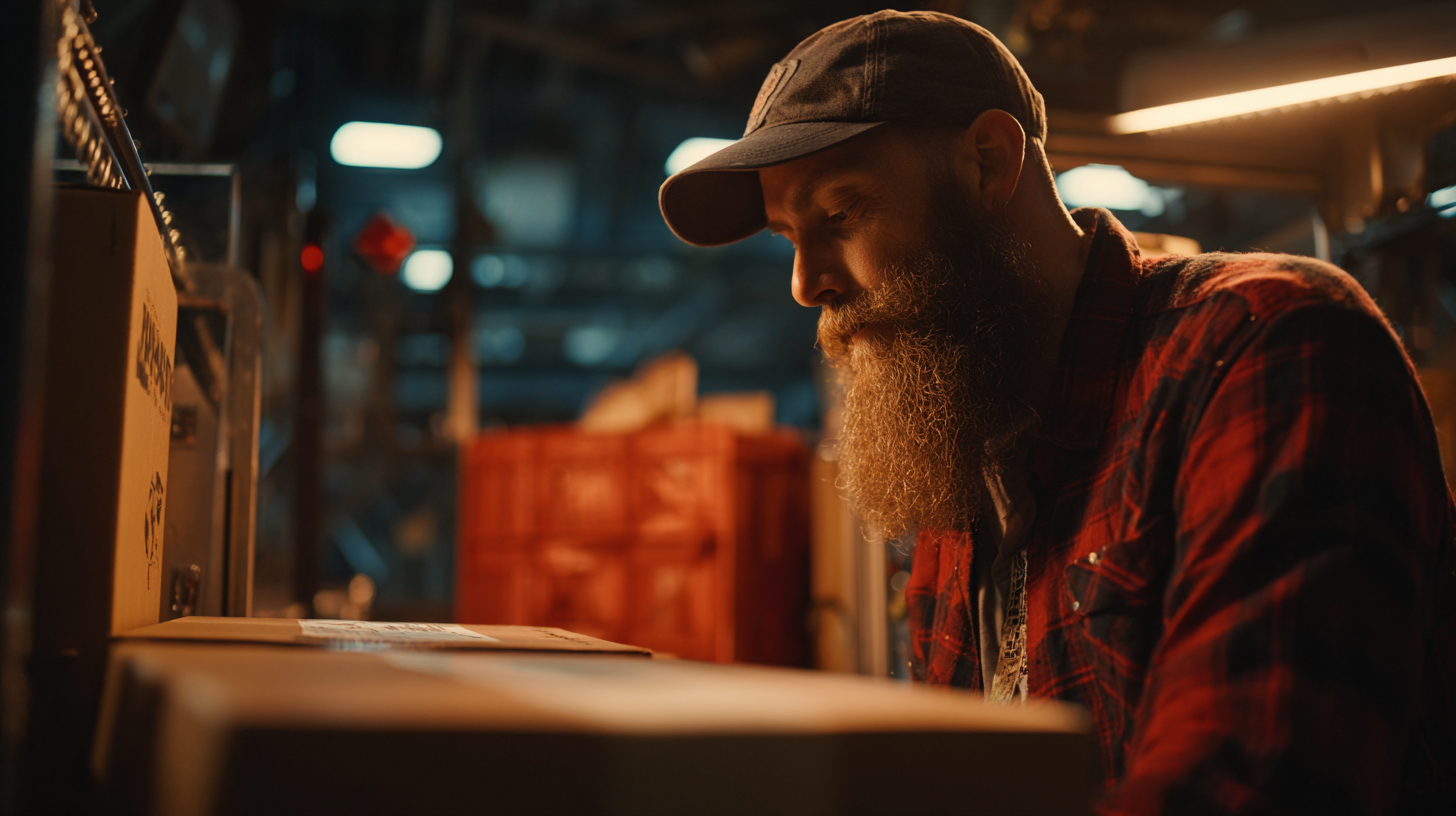
Packer scans tote, confirms quantities, closes package, and prints label.

Packer

Simple steps. No guesswork. From scan to dispatch in minutes with proof behind every action.

QUESTIONS BUYERS ACTUALLY ASK.

Veelgestelde vragen

How do packers start a job?

Scan the storage unit (tote), sales order, or pick reference… or key it in. The desk shows what’s expected and guides the next step.

Can we change packaging mid-pack?

Yes. Switch to a different box or mailer on the fly. Contents and weight recalc, and the audit stays clean.

What if a quantity is wrong?

Use unpack to remove items from the parcel, then scan the right ones. Everything is recorded for traceability.

How are labels printed?

Assign the bench printer once. When you close the package, labels print automatically. The system remembers your preferred device.

Does it support multiple parcels per order?

Absolutely. The desk creates additional packages automatically until all lines are packed, following your chosen pack strategy.

Can we add notes or capture images?

Yes. Packing notes carry through to the parcel, and (if enabled) Image Capture lets you add photos for proof and claims handling.

Bekijk Clarus in actie in minder dan 10 minuten.

Nog steeds niet zeker? Bekijk vier minuten hoe Clarus omgaat met goederenontvangst, picking en verzending. Je zult zien waarom Onze klanten zeggen steeds ”ja” tegen nieuwe contracten.

Complete the Form to Get Instant Access.

Ontdek de nieuwste functies.
We voegen voortdurend nieuwe tools toe om magazijnbeheer eenvoudiger en slimmer te maken. Van verbeterde rapportages tot verbeterde mobiele workflows, onze nieuwste updates zijn ontworpen om u te helpen sneller te werken, fouten te verminderen en voorop te blijven lopen.
Demand replenishment

Demand Replenishment

Replenishment that selects the exact right stock
Activity types icon

Activity Types for HHD

Every operator sees exactly the right tasks
Pictogram voor geautomatiseerde facturering

Afrekening en facturering

Dat in rekening brengen geeft uw contracten weer automatisch
Pictogram van een pallet met een stekker die een api-first wms vertegenwoordigt

API-first Architectuur

API-eerst WMS-architectuur voor schaalbare magazijnoperaties.