One RF menu, the same whatever activity or piece of kit you’re on
Every task option on screen, whether it’s relevant to the job or not
No way to move into a different activity’s menu without reconfiguring from scratch
Menu structure fixed, not matched to the work actually being done
Select an activity type and the RF menu filters to just that job
Each activity, reach truck, FLT, handball, whatever, has its own configured menu
One button on the home menu switches straight into a different activity flow
Menus get duplicated and adjusted per activity through config, no development needed
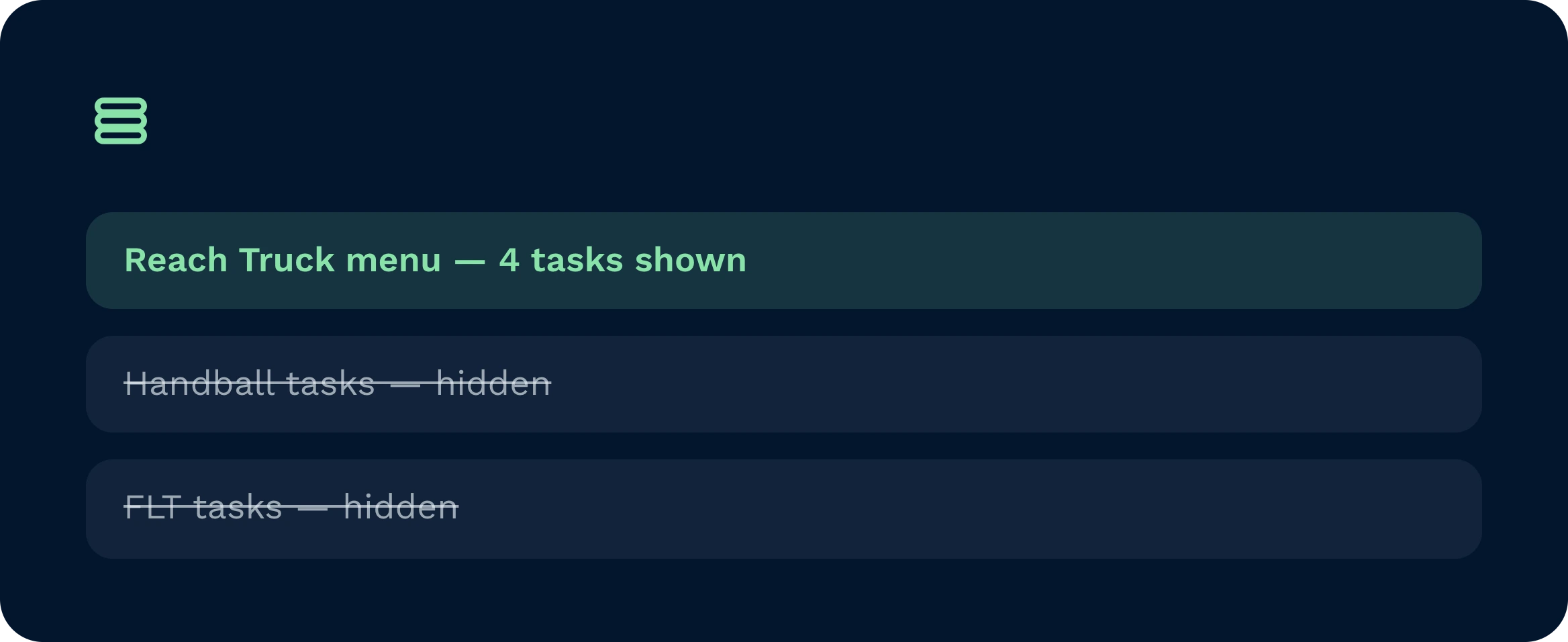
Operators only see the task flows configured for their equipment type, removing the risk of accepting tasks they cannot physically complete.
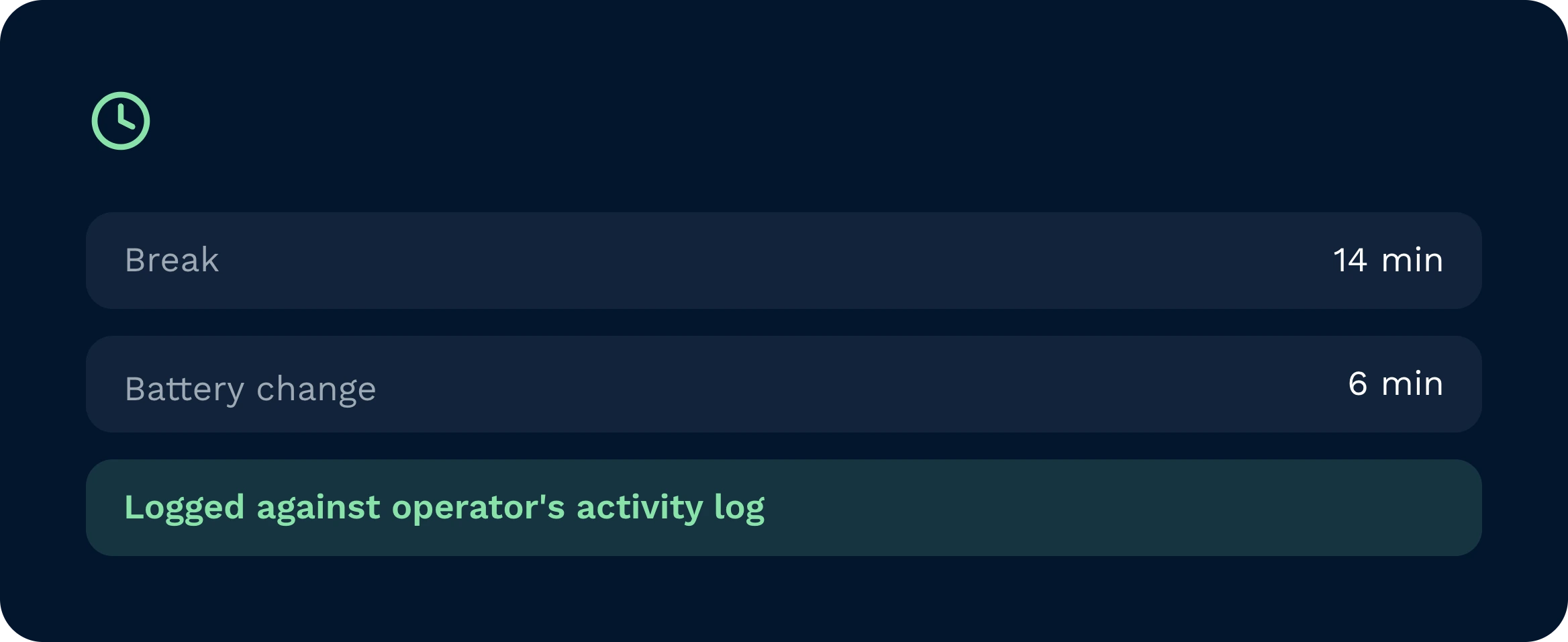
Breaks, battery changes, cleaning, and maintenance are logged with accurate timestamps, turning previously invisible time into reportable shift data.
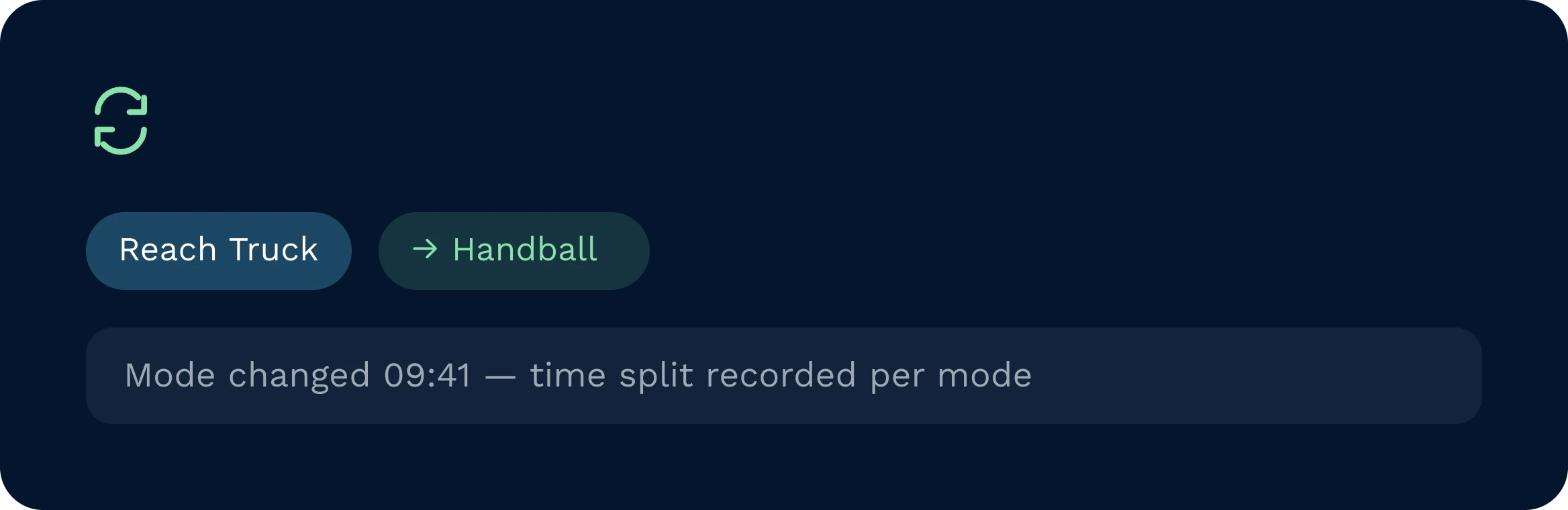
A dedicated mode-change button lets operators switch equipment during a shift while Clarus maintains accurate time records for each mode used.
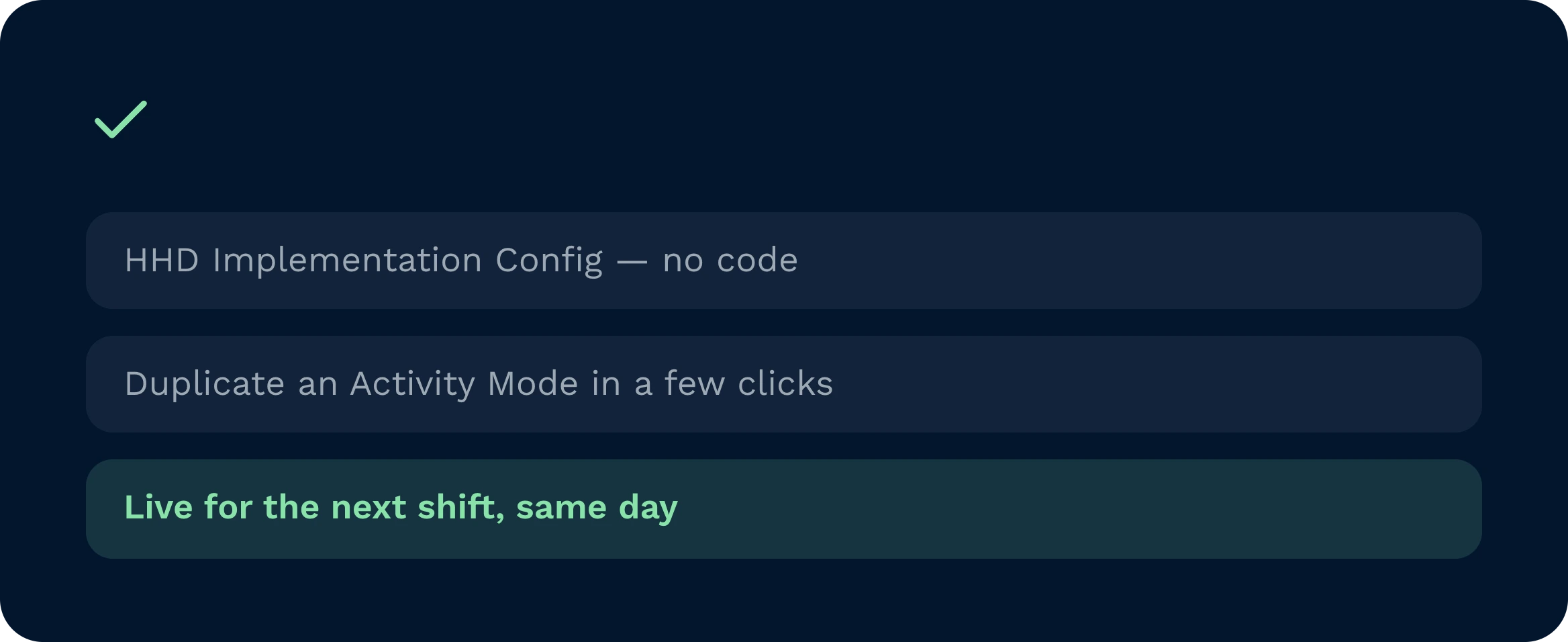
Admins set up Activity Modes and Ancillary Task types through HHD Implementation Config in the frontend, with no coding or third-party support required.
Activity Modes restrict the HHD task menu to only what each operator can perform on their current equipment, removing the confusion that leads to wrong picks and wasted journeys. Ancillary Tasks cover everything outside the system: when an operator starts a break, swaps a battery, or attends a briefing, they select the task type and a visible timer starts on their device. On logout, the session closes automatically and the full duration is recorded against that operator’s activity log.
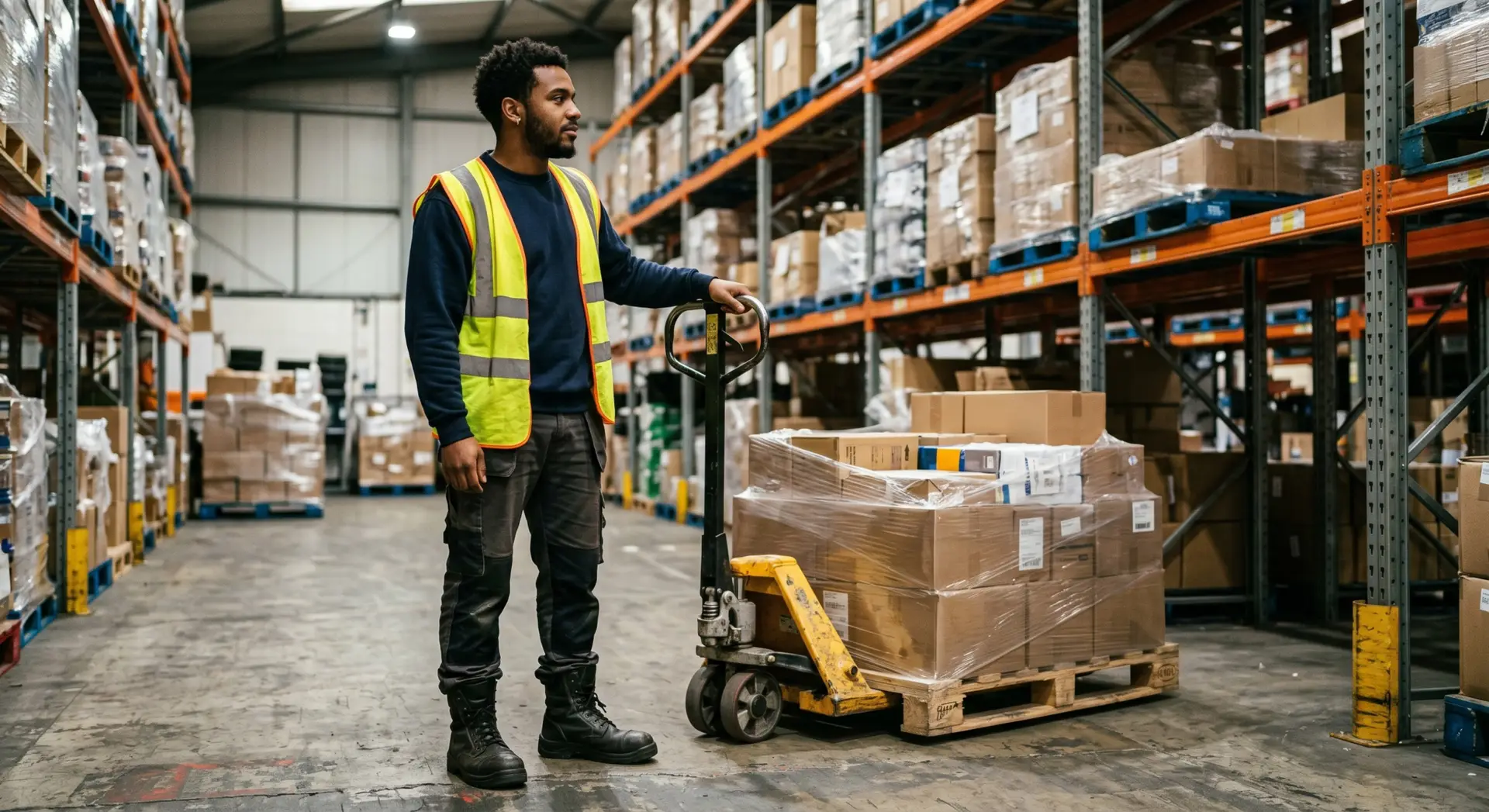
Operators log in under their equipment type and immediately see a focused menu with only the tasks they can physically perform, reducing errors and speeding up navigation.

Supervisors get a real-time view of every operator’s current activity, equipment mode, and time on task, including non-productive periods that were previously invisible.

Managers can query the Activity Log to compare productive versus non-productive time by user, shift, or mode, giving reliable data for staffing and planning decisions.
Both are configured in the HHD Implementation Config section of the Clarus frontend. Each mode gets its own duplicated flow with unwanted menu items removed, and a navigation button is added to the home menu. No coding or development work is required.
Yes. A dedicated mode-change button on the HHD home menu lets operators switch equipment type at any point during a shift. Clarus closes the previous mode session, records the duration, and opens a new session for the selected mode.
If an operator logs out or the session times out while an Ancillary Task is still running, Clarus automatically ends the task and records the duration up to that point. No manual intervention is needed.
No. Sessions are device-specific. Each login starts a fresh session, so if an operator moves to a different HHD they log in again and select their Activity Mode from the beginning.
Activity Log reports are available within Clarus and can be filtered by user, equipment mode, or warehouse area. For custom or external reporting, the data is also queryable via the Activity Logs GraphQL endpoint.
No. Activity Types is built directly into the existing HHD flow in Clarus. There is no separate app, no additional hardware, and no significant training overhead for operators already using the system.
Nog steeds niet zeker? Bekijk vier minuten hoe Clarus omgaat met goederenontvangst, picking en verzending. Je zult zien waarom Onze klanten zeggen steeds ”ja” tegen nieuwe contracten.