
On-screen prompts confirm item and quantity. For multi-qty lines, a quick confirmation prevents short or over-packs. If something’s off, tap unpack, fix it, and carry on (no paperwork, no rework later).
Set dispatch to shipment and choose pack strategy by line, by unit, or custom on the sales order. The bench adapts… single parcel, multi-parcel, or mixed, without creating chaos.
Pick from boxes, crates, mailers, or custom types. Switch mid-flow if needed. Dimensions and weights update live; hazardous or fragile notes follow the parcel.
Hit close package and labels print immediately. If lines remain, the next package opens automatically, keeping rhythm at the bench and carriers happy at the door.
Packing slows down when your team has to guess or re-key. With Packing Desk, they scan the tote, order, or pick ref, see exactly what’s needed, og follow clear prompts. Choose packaging up front, confirm quantities fast, and fix mistakes with a single tap. Close the parcel, print the label instantly, and the next one opens automatically.

Hold SLAs by seeing flow, exceptions, and cut-off risk at a glance.
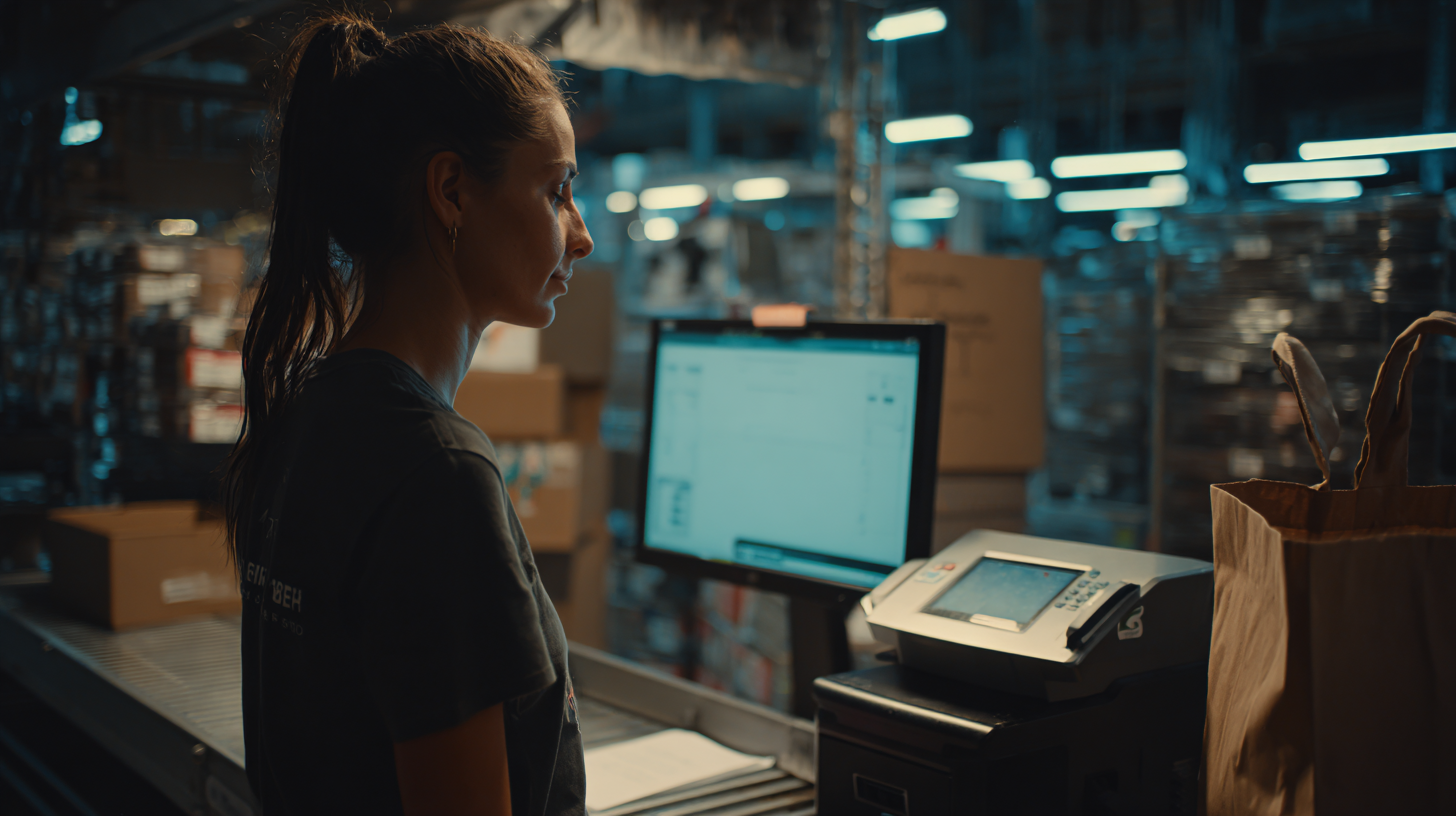
Keep benches unblocked. Swap packaging mid-flow, resolve issues, and keep labels rolling.
Simple steps. No guesswork. From scan to dispatch in minutes with proof behind every action.
Set your dispatch and pack strategy on the order, add any notes, and confirm the address. Pick your bench printer, and the system remembers it. Scan the tote, order, or pick reference and you’ll see exactly what’s left to pack.
Pick your packaging, scan items, confirm quantities, and correct mistakes instantly with unpack. Close the parcel, print the label, and the next package opens automatically. Everything is logged, so you ship with confidence and zero guesswork.
Scan the storage unit (tote), sales order, or pick reference… or key it in. The desk shows what’s expected and guides the next step.
Yes. Switch to a different box or mailer on the fly. Contents and weight recalc, and the audit stays clean.
Use unpack to remove items from the parcel, then scan the right ones. Everything is recorded for traceability.
Assign the bench printer once. When you close the package, labels print automatically. The system remembers your preferred device.
Absolutely. The desk creates additional packages automatically until all lines are packed, following your chosen pack strategy.
Yes. Packing notes carry through to the parcel, and (if enabled) Image Capture lets you add photos for proof and claims handling.
Fortsatt usikker? Bruk fire minutter på å se Clarus håndtere varemottak, plukking og utsending. Du vil se hvorfor våre kunder sier stadig vekk ”ja” til nye kontrakter.