No way to track individual serial numbers while goods were in the warehouse
Nothing to hand customers as stock or history records for high-value items
Capturing a serial number often meant stripping pallets by hand to find it
No record of which serial numbers had actually been dispatched
Serial numbers captured on RF as items are received or picked
Full tracking from goods-in, or a simpler track-at-pick mode, whichever fits
Reports show exactly what’s in stock and what’s shipped, by serial number
Configurable per account or product, only switched on where it’s actually needed
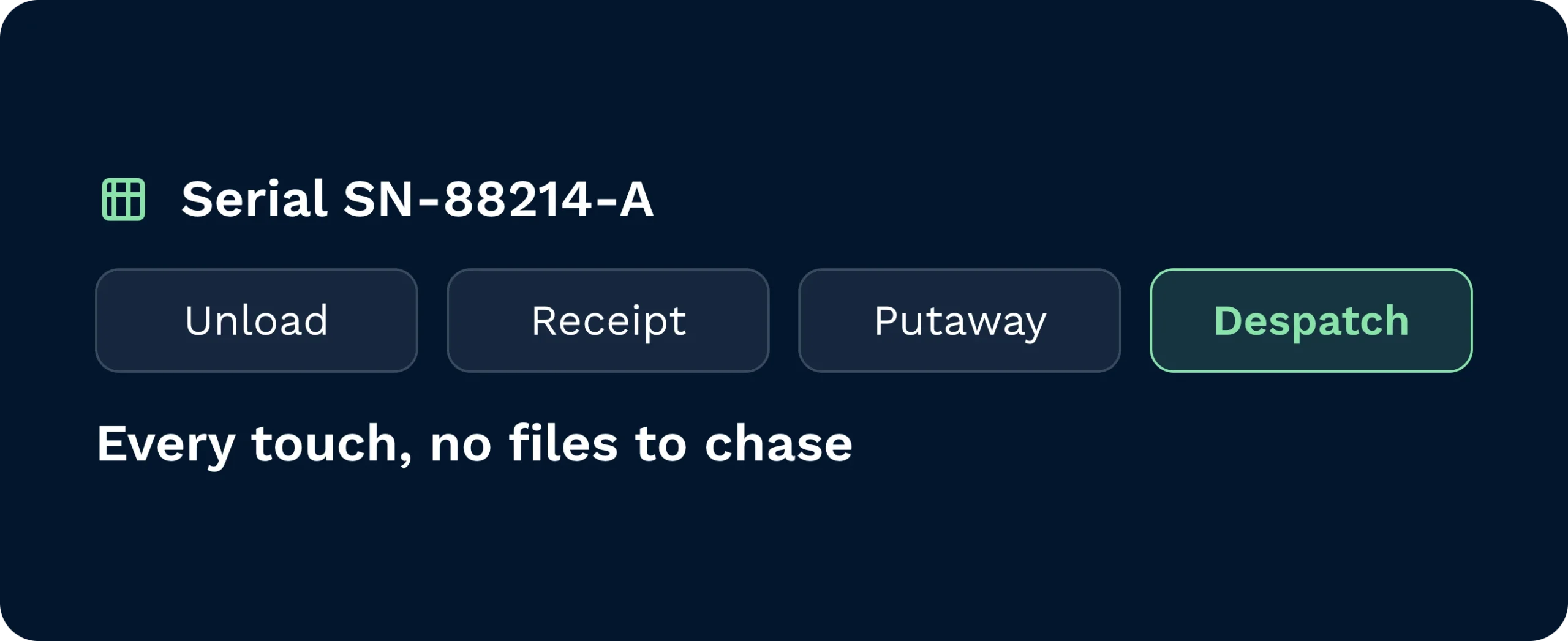
Serial numbers are written to the WMS at source, linked to the receipt, task, user, time, and location. Search a serial to see every touch (from unload to despatch) without chasing files.
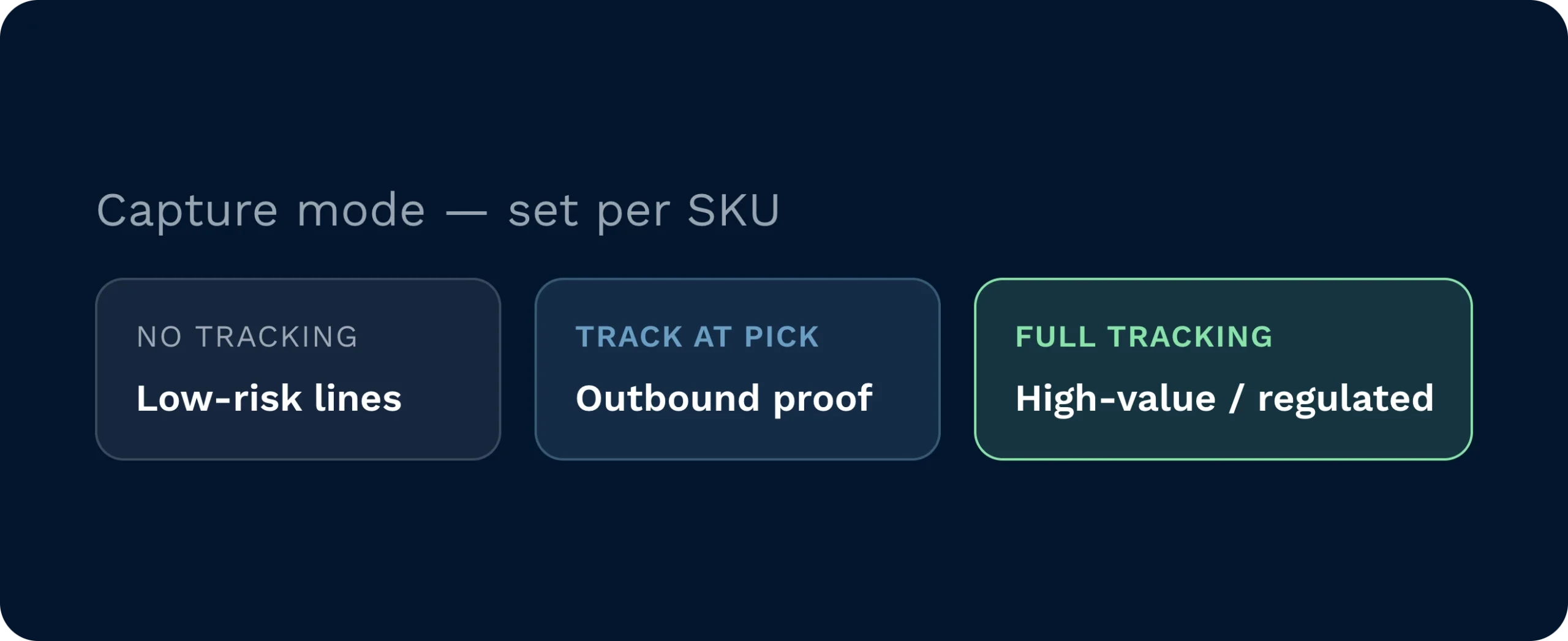
Pick your mode per SKU. No tracking for low-risk lines. Track during pick if inbound is fast but outbound needs proof. Full tracking to capture at goods in and pick for high-value or regulated items.
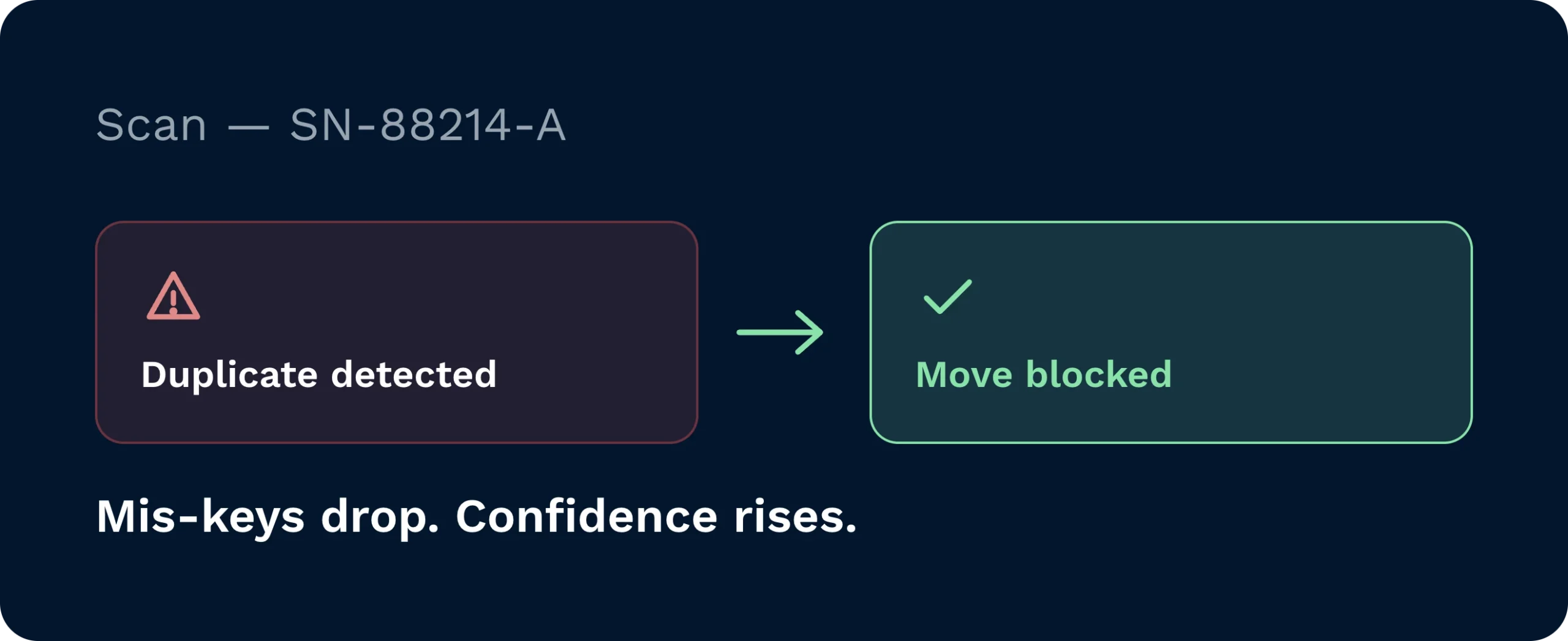
Scanner workflows prompt for serials only when needed, validate format and duplicates, and block out-of-policy moves. Mis-keys drop. Confidence rises.
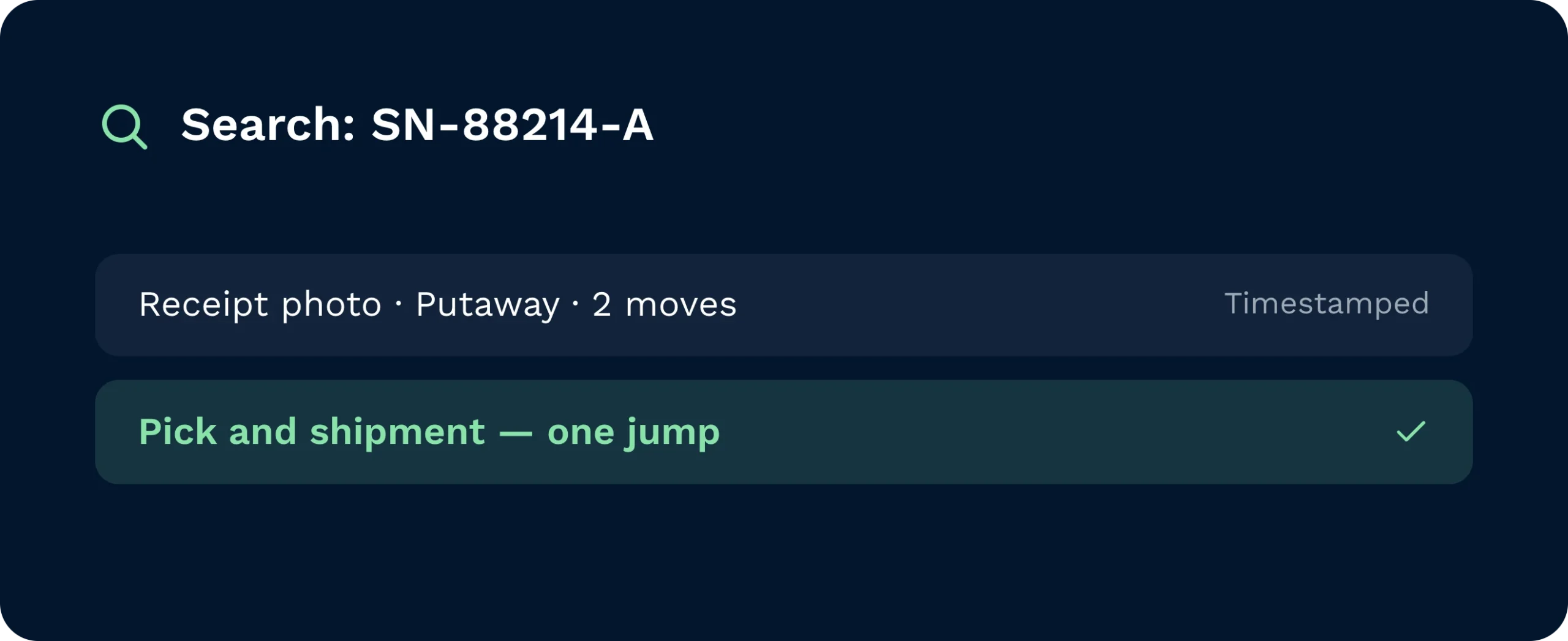
Type or scan a serial and jump to its receipt photo, putaway, moves, pick, and shipment. Returns and recalls move from guesswork to a clear, timestamped trail.
Serials fail when they live in side systems. Clarus brings them into the handheld workflow and the live ledger. Choose where you capture… productos en, pick, or both. Enforce when serials are mandatory. Then surface everything in transactions and informes, so operations, customers, and auditors share the same truth.

Protect SLAs and compliance with a live view of serial status and exceptions. Direct effort based on fact, not hunches.

Capture once, capture right. The gun enforces what’s needed and blocks duplicates, keeping bays moving and data clean.

End escalations fast. Share proof of receipt and shipment with a click, backed by an audit trail customers trust.
It depends on risk and speed. Many sites use Full tracking for high-value items and Track during pick for fast-moving lines where inbound must fly. You can mix modes by SKU, customer, or site.
Handhelds validate format, check for duplicates, and enforce “serial required” where configured. If a number is wrong or already used, the gun blocks the step and prompts for a fix.
Yes. With Client Access enabled, you can expose serials per account so customers self-serve receipts, shipments, and current stock (reducing tickets and emails).
Search the serial to view receipt photos, movements, picks, and shipments. Create a return against the same record to keep the history complete and auditable.
No. Prompts appear only when needed. For non-tracked SKUs the step is skipped. For tracked SKUs, scan-to-confirm keeps flow steady and removes rework later.
Expose serials via API or include them on paperwork where required. Events can trigger webhooks so ERP, TMS, or service platforms stay in sync automatically.
¿Aún indeciso? Mire durante cuatro minutos cómo Clarus maneja recepción de mercancías, preparación de pedidos y expedición. Verás por qué Nuestros clientes siguen diciendo ”sí” a nuevos contratos.