Double-bookings crept in without shared bay rules
Bookings scattered across multi-tab spreadsheets
Yard queues built up and drivers sat idling
Status changes chased by phone calls and guesswork
Bay rules stop double-bookings, updates ripple instantly to everyone
One booking diary holds consignments, POs and SOs together
Staggered bookings smooth arrivals and cut yard queues
Statuses switch to arrived, unloaded or missed in one click
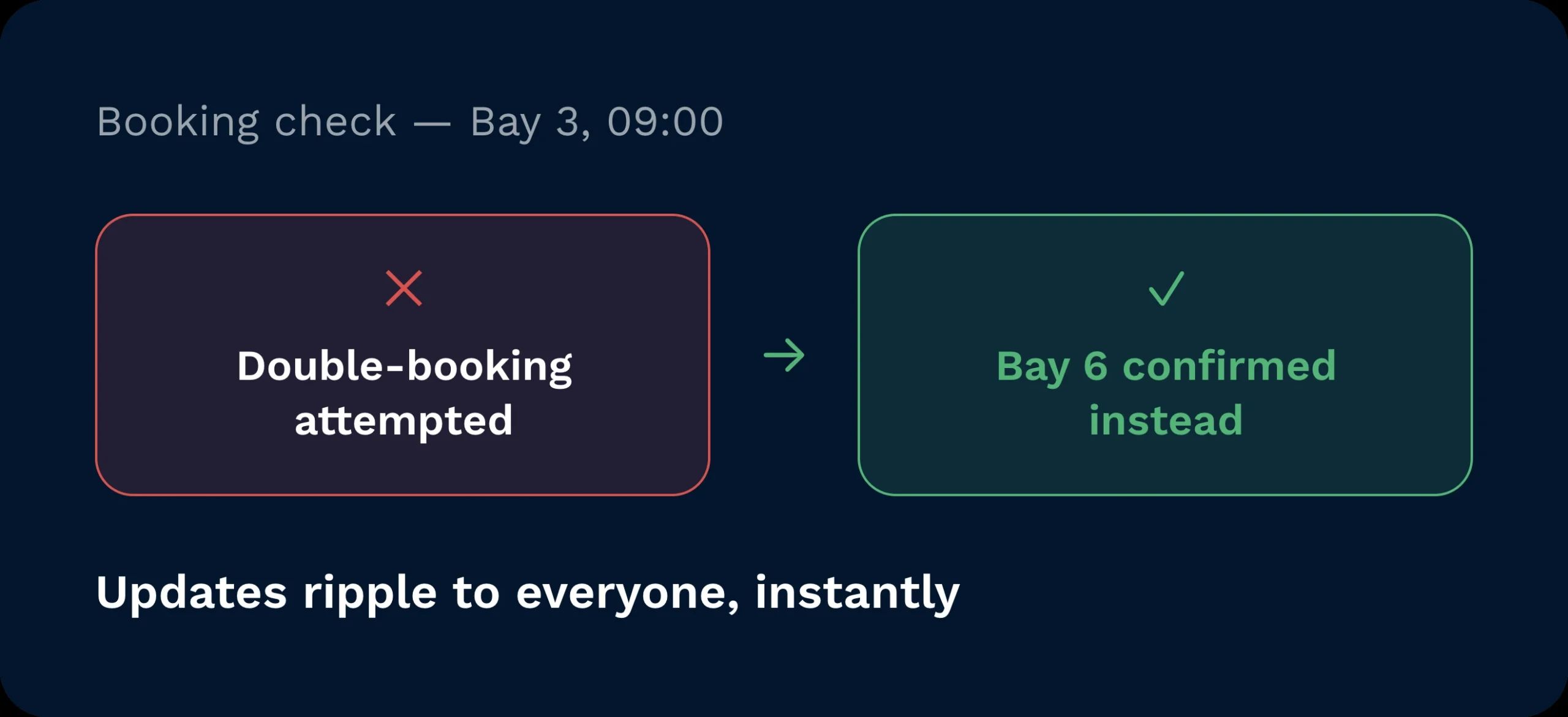
Say goodbye to double-bookings. Configure bay availability and appointment rules so schedules stay clean and resources are used efficiently. When circumstances change, updates ripple instantly to everyone who needs to know.
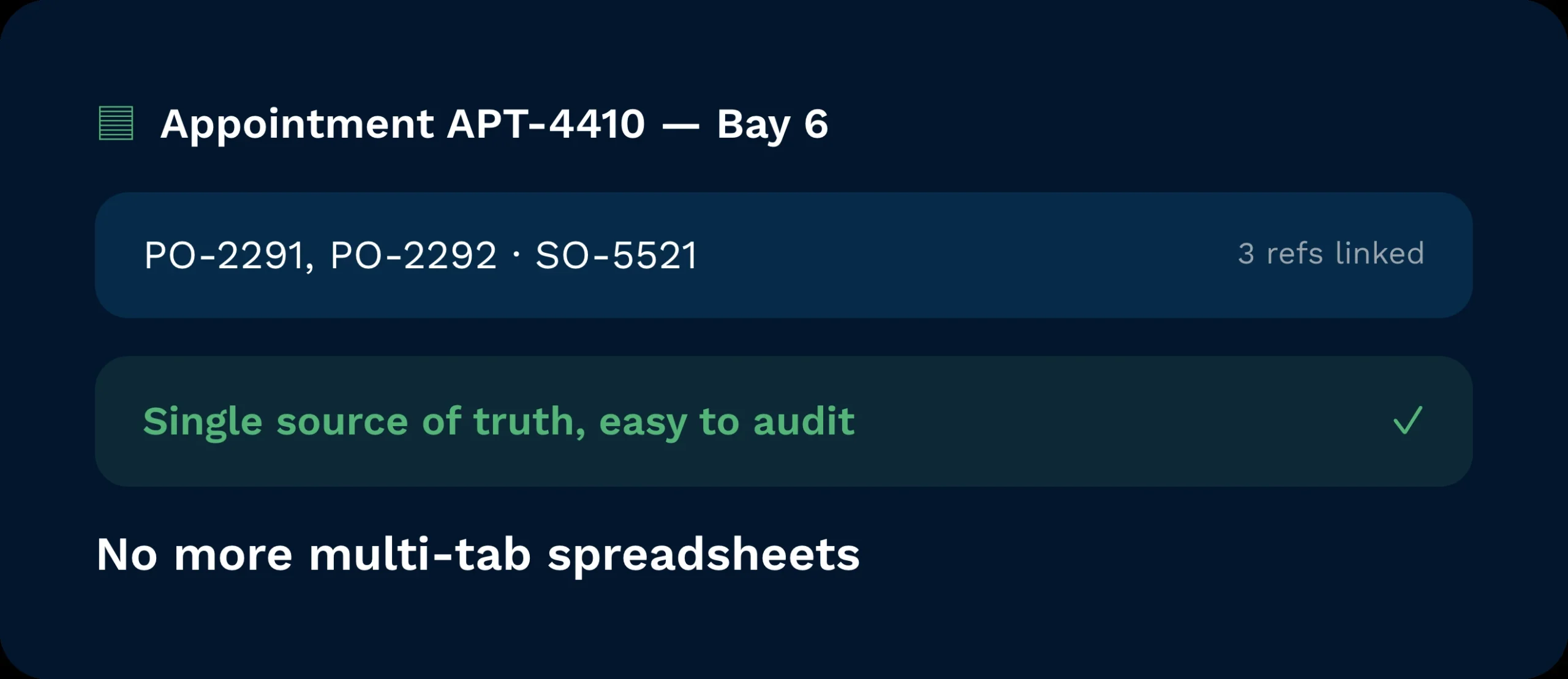
Add multiple consignment references to a single appointment and link POs/SOs where applicable. Replace multi-tab spreadsheets with a single source of truth that’s easy to maintain and audit.
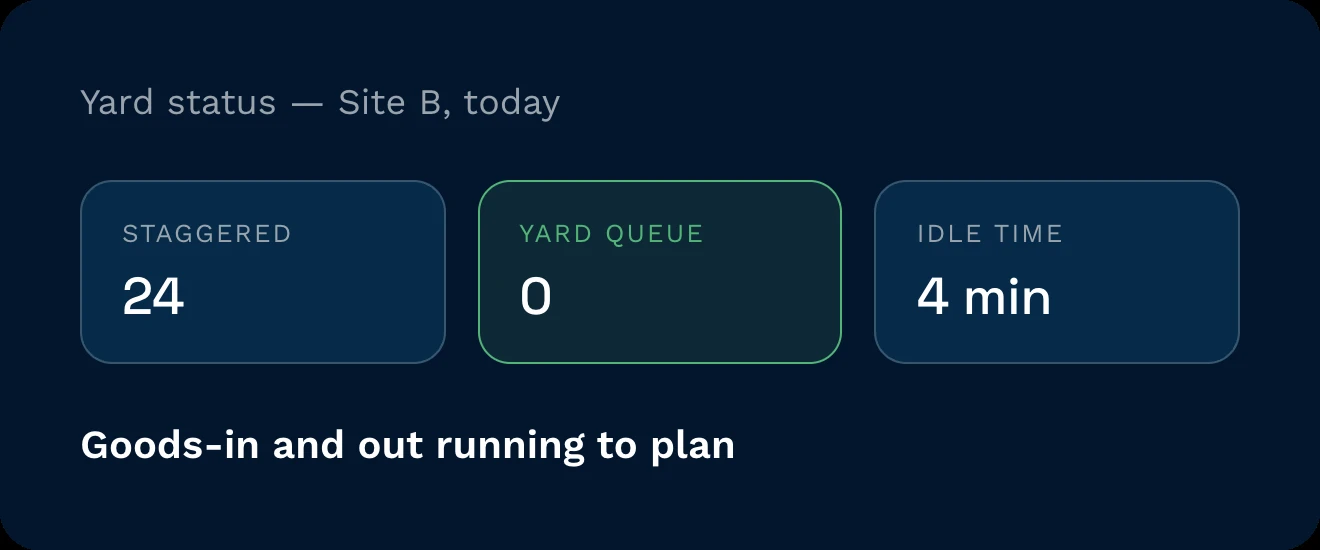
Smooth arrivals by staggering bookings across bays and time. Reduce yard queues, cut driver idle time, and keep goods-in/out running to plan… especially when load bays are limited.
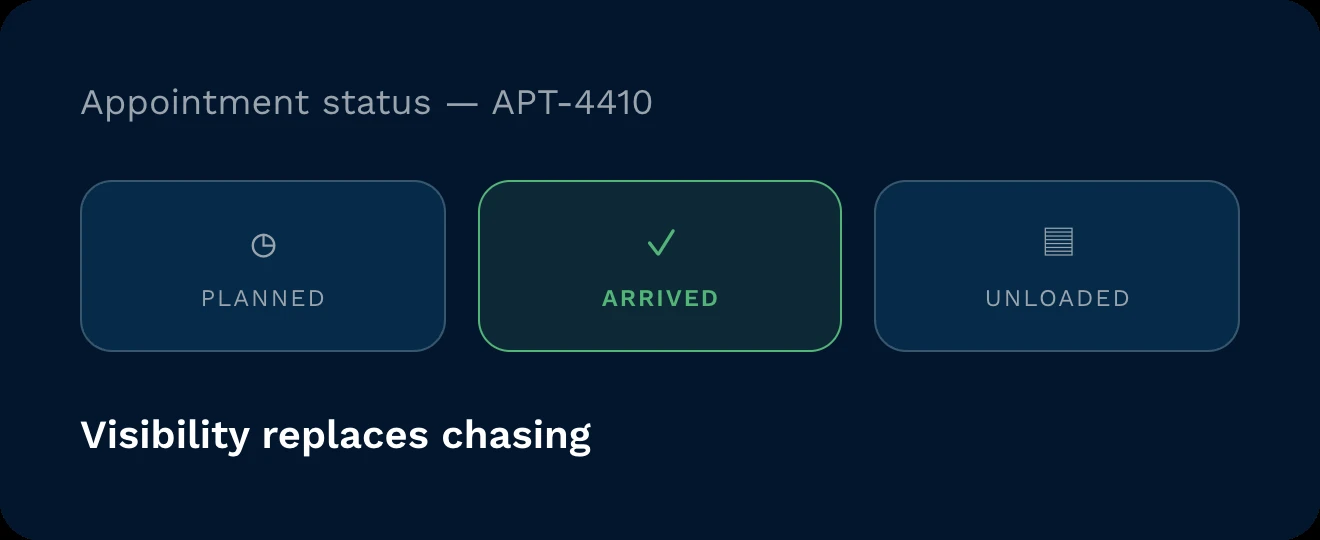
Switch appointments from planned to arrived, unloaded, or missed with one click. Trigger alerts to internal teams and users so the whole operation sees the latest. Visibility replaces chasing.
When dock plans live on paper, bottlenecks follow. Clarus brings a simple, visual booking diary that shows today’s schedule and future slots at a glance. Set opening and closing times per warehouse and dock. Capture consignments and link orders. Update statuses as events happen so teams and partners stay aligned without calls or guesswork. It’s dock management designed for speed and clarity.

See capacity at a glance by site and shift. Anticipate crunch points early and protect cut-offs with a plan everyone follows, not a plan on a whiteboard.

Allocate labour and equipment to the next inbound/outbound with confidence. Update statuses on the fly so teams upstream and downstream adjust in step.

Book once, confirm once, and share a single source of truth with partners. Reduce phone tag and missed slots with clear times and automated updates.
It’s a single live schedule, visible to all authorised users, with real-time status updates and notifications. No more version control, duplicate entries, or legibility issues… just a calendar that reflects reality as it changes.
Yes… subject to configuration and permissions. You can allow selected customers to request or create bookings via Client Access while limiting what they can see and edit. Governance stays tight; comms overhead drops.
Add multiple consignment references and, where available, associate purchase or sales orders. Notes and attachments help teams prepare, so bays turn faster with fewer surprises.
Switching statuses (planned, arrived, at bay, unloaded) keeps everyone aligned in real time. Automation can alert teams the moment a truck hits a milestone, improving labour allocation and cut-off performance.
You can import bookings from your TMS and keep the diary as the shared view for warehouse teams. This reduces rekeying and ensures the plan matches transport reality.
No. Set site hours and bays, define roles, and start scheduling. Most teams are live quickly because the interface is simple and mirrors how planners already think… just without the friction of manual tools.
Still on the fence? Spend four minutes watching Clarus handle goods‑in, picking and dispatch. You’ll see why our customers keep saying ”yes” to new contracts.