Receipts and open orders were matched by hand, dwell time crept up
Arrived, staged and loaded stock tracked by radio and spreadsheets
Sorting relied on memory, so units went to the wrong door
Relabelling or QC steps broke the cross-dock flow
Receipts match to open orders automatically as goods hit the bay
One live view shows what’s arrived, staged and loaded, by lane
Barcodes auto-sort by order, route or carrier and prompt the correct door
Relabel, kitting or QC run inline without breaking the cross-dock path
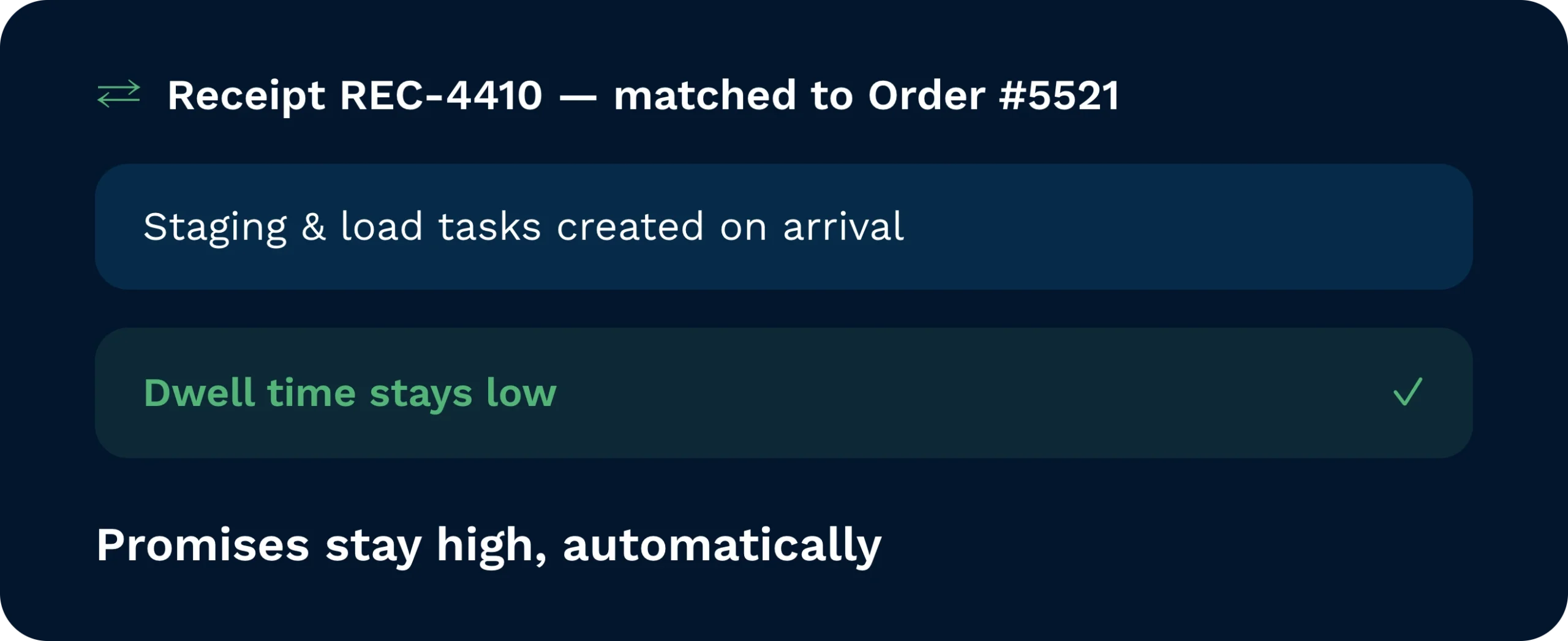
Match receipts to open orders automatically. Clarus creates directed staging and load tasks the moment goods hit the bay, keeping dwell time low and promises high.
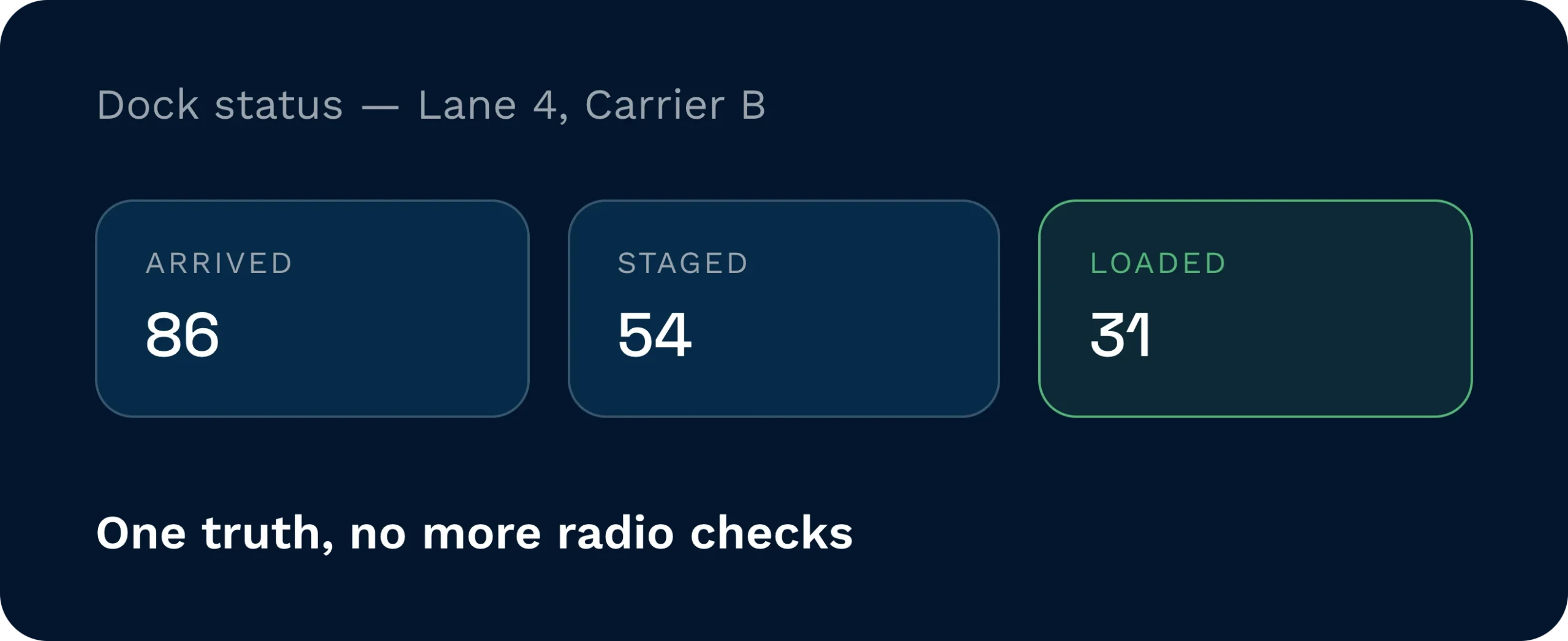
See what’s arrived, what’s staged, and what’s loaded… by customer, carrier, and lane. One version of the truth replaces radio checks and spreadsheets.
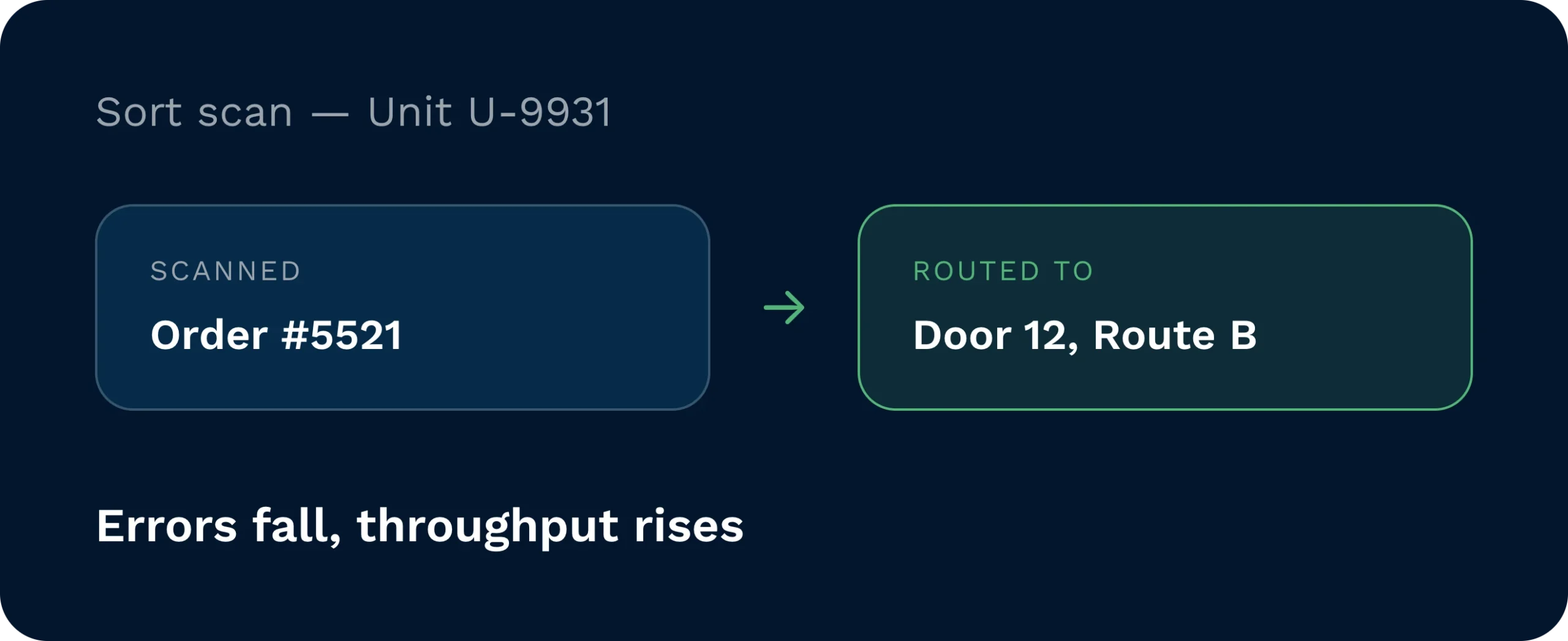
Barcodes drive accuracy. The system auto-sorts by order, route, carrier, or service level and sends each unit to the correct door with clear scanner prompts. Errors fall. Throughput rises.
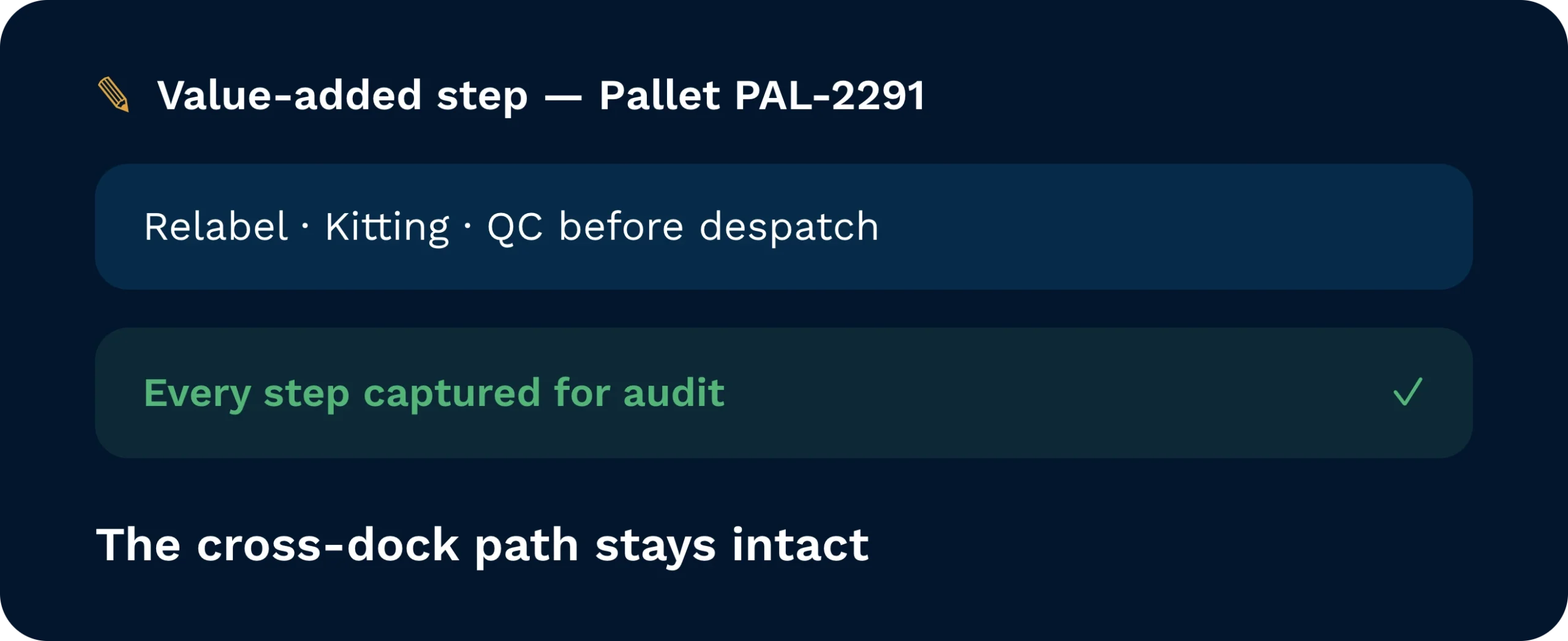
Need relabel, kitting, or QC before it leaves. Add value-added services without breaking flow. Clarus keeps the cross-dock path intact while capturing every step for audit.
Cross-docking works when timing and truth align. Clarus reads what’s arriving, matches it to what needs to go, and generates scanner-led tasks that move product straight from receipt to outbound lanes. No guesswork. No piles. Just the shortest path from truck to truck with full traceability and controls for value-added steps when needed.
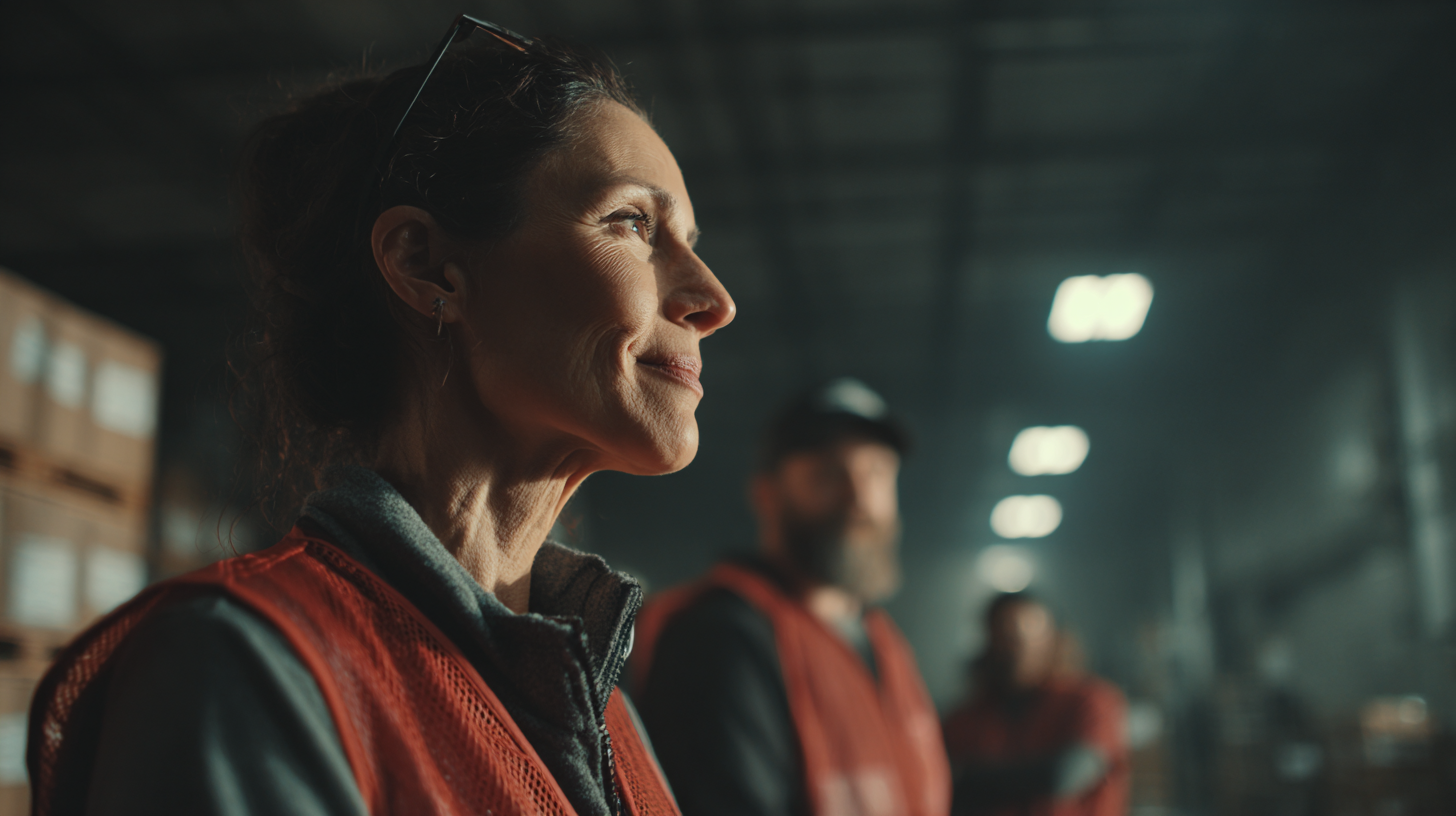
Protect service and cost. See what’s queued, what’s staged, and what’s loading, then adjust capacity before bottlenecks form.
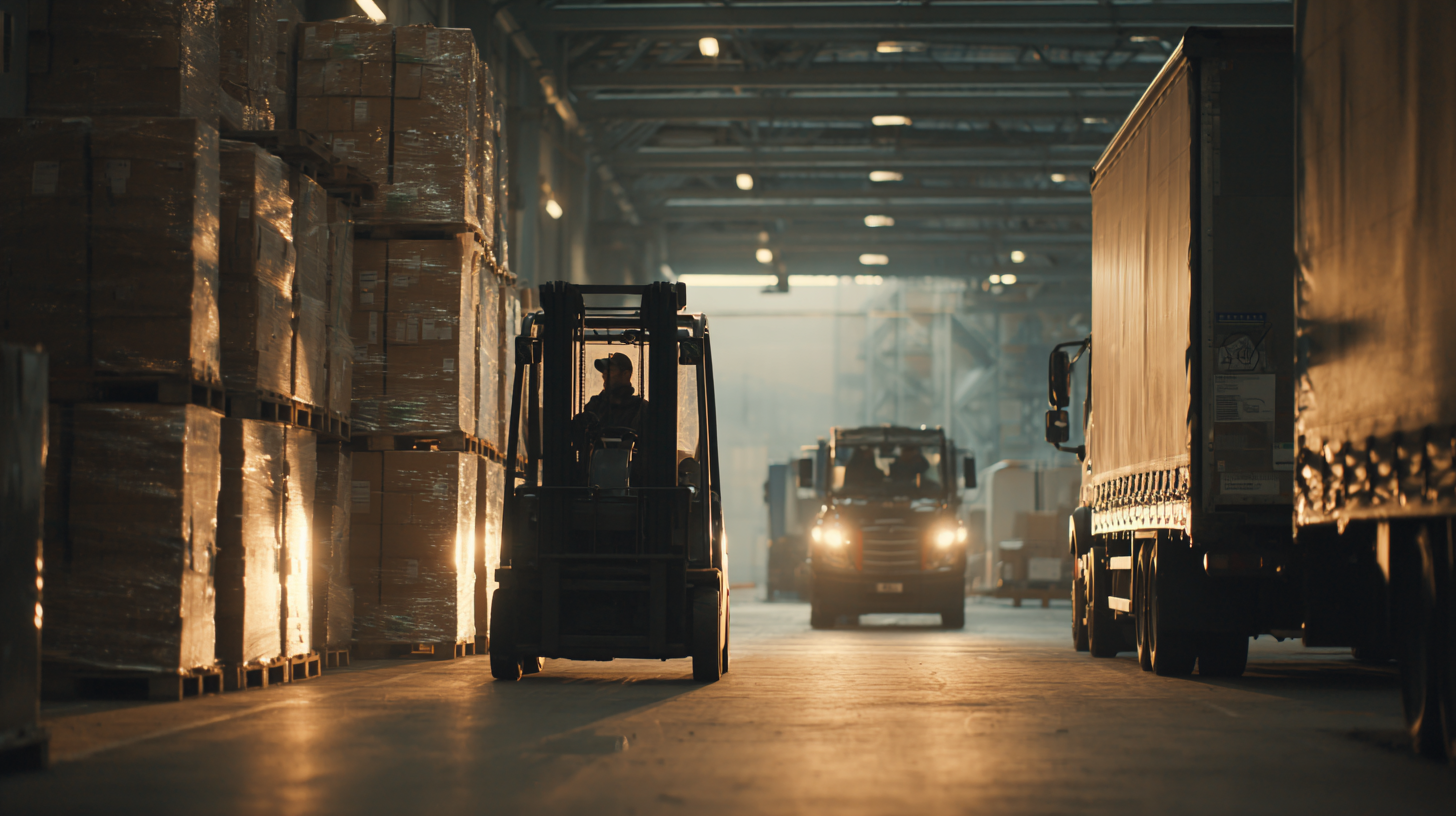
Replace sorting piles with directed moves. Exceptions surface with a next action so the apron keeps flowing.

Stagger arrivals, prevent clashes, and keep drivers informed with one live plan for lanes and times.
Rules evaluate order demand, arrival times, and constraints (QC, relabel, batch). Eligible items raise staging?load tasks; the rest follow directed putaway. You keep safe overrides for edge cases.
Yes. Insert steps like relabel, kitting, or QA within the cross-dock path. Clarus captures the work and returns the unit to the outbound lane automatically.
By carrier, route, destination, or service level. The booking diary staggers arrivals and updates statuses… planned, arrived, staged, loaded—to keep everyone in sync.
Scanner-led prompts validate item, quantity, batch/expiry (if used), and destination lane. Mis-scans are blocked with a clear redirect, reducing rework and claims.
It does. Account-level options govern auto-completes and request creation. You can create Cross-Dock Requests by customer and decide when (or if) to tie them to a specific site.
Start with a pilot lane. Enable auto-matching for a defined SKU set, add scanner prompts, and introduce VAS steps only where needed. Most teams see immediate gains once directed staging/loading goes live.
Still on the fence? Spend four minutes watching Clarus handle goods‑in, picking and dispatch. You’ll see why our customers keep saying ”yes” to new contracts.