Operators decided “where it looks right”
Pallets got stranded in the wrong size bays
Compliance rules relied on people remembering them
Reshuffles happened in periodic “big bang” efforts
Rules match SKU to the right location automatically
Compliance is codified and enforced at putaway
Zones adapt as velocity shifts, fast movers stay close
Advisory or fully system-led, dialled up over time
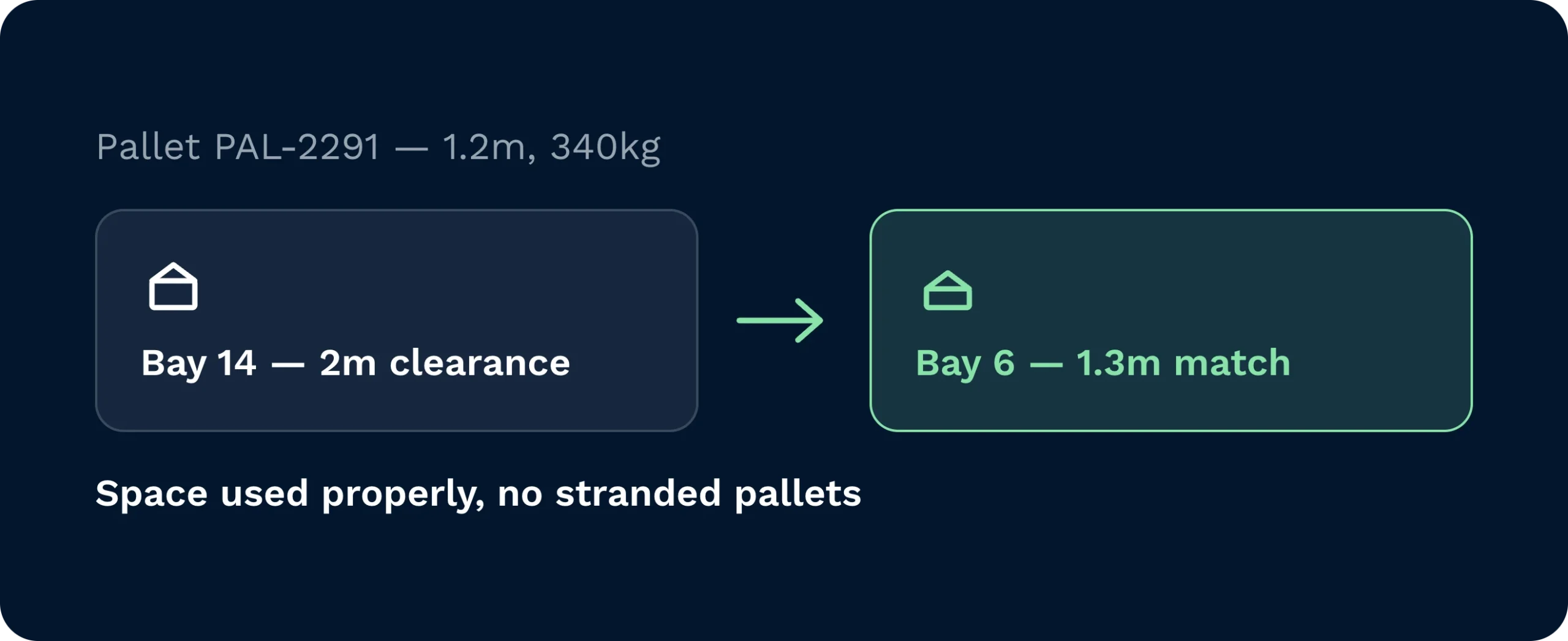
Rules match SKU height, weight, family, and handling constraints to suitable locations. No more 1-metre pallets stranded in 2-metre bays. Space is used properly and replenishment paths shorten.
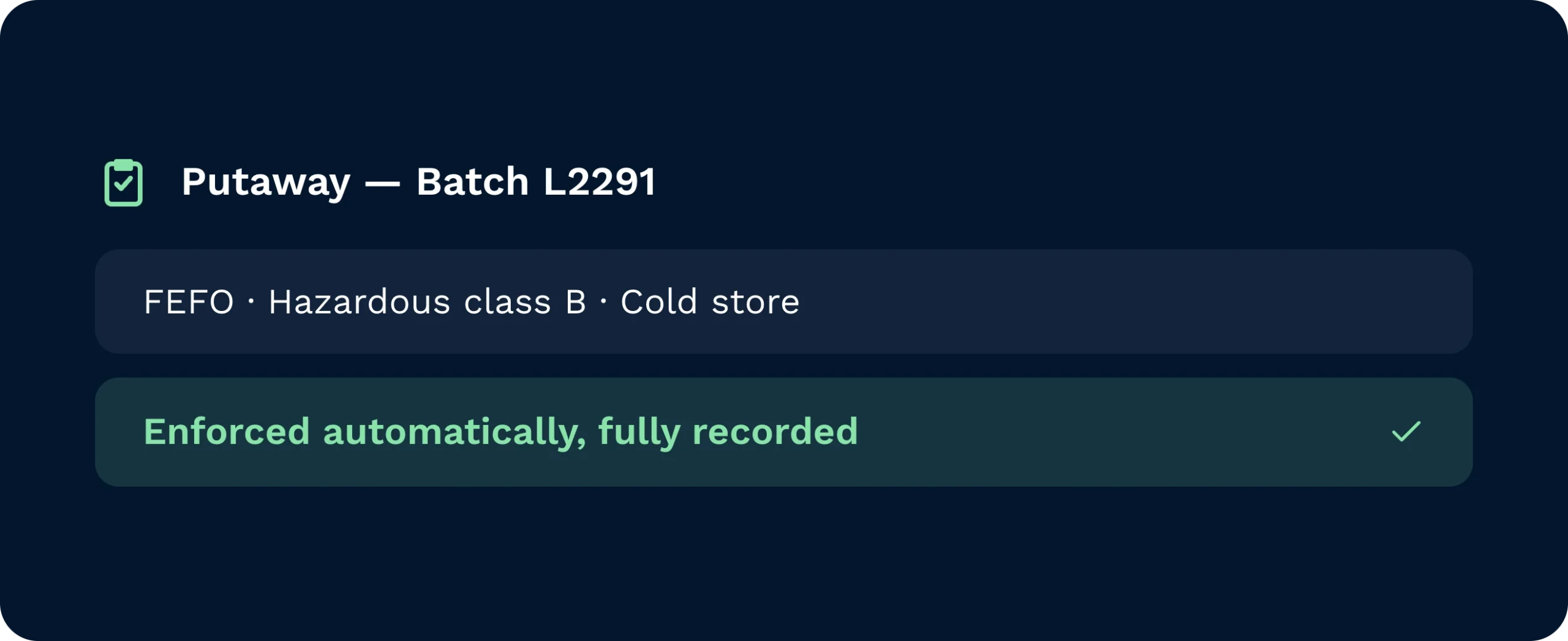
Lot, FEFO, hazardous classes, temperature zones. Codify requirements and let the system enforce them at putaway. Audits are simpler because decisions are consistent and recorded.
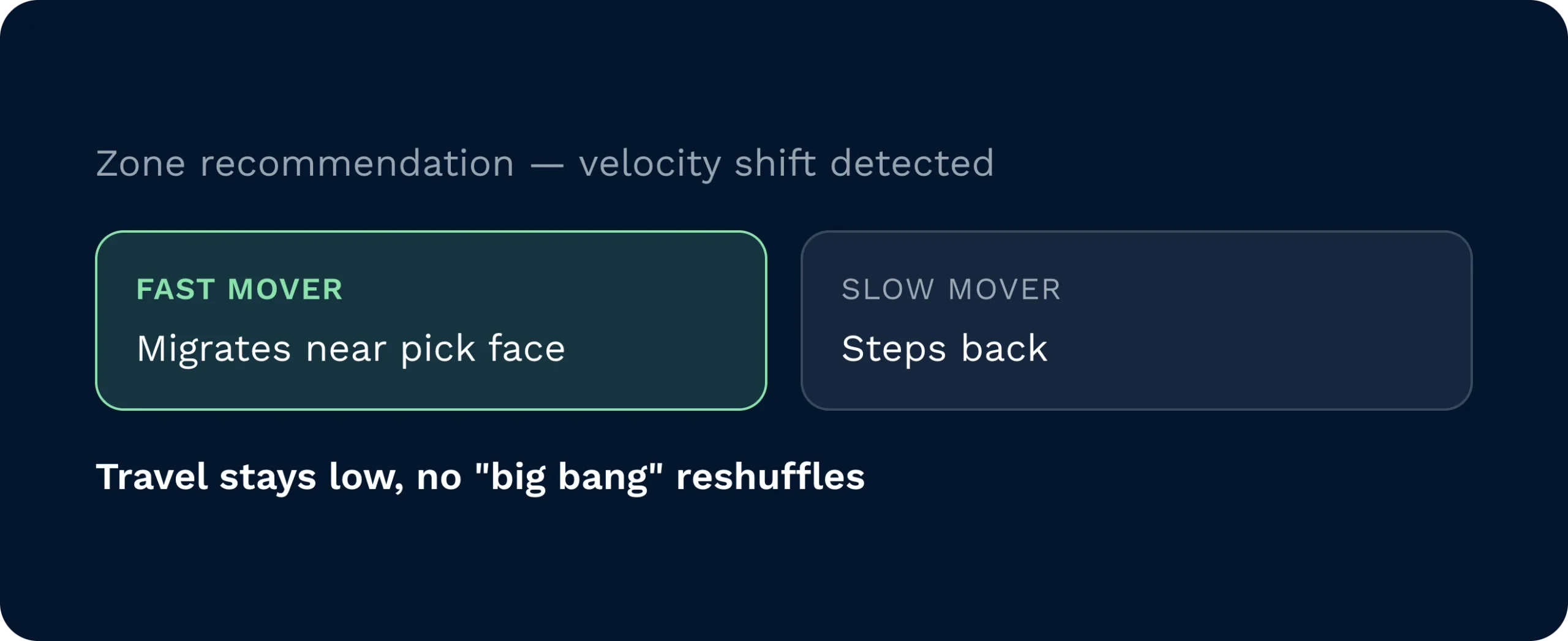
As velocity changes, suggested zones and proximity rules adapt. Fast movers migrate closer to pick faces; slow movers step back. You keep travel low without periodic “big bang” reshuffles.
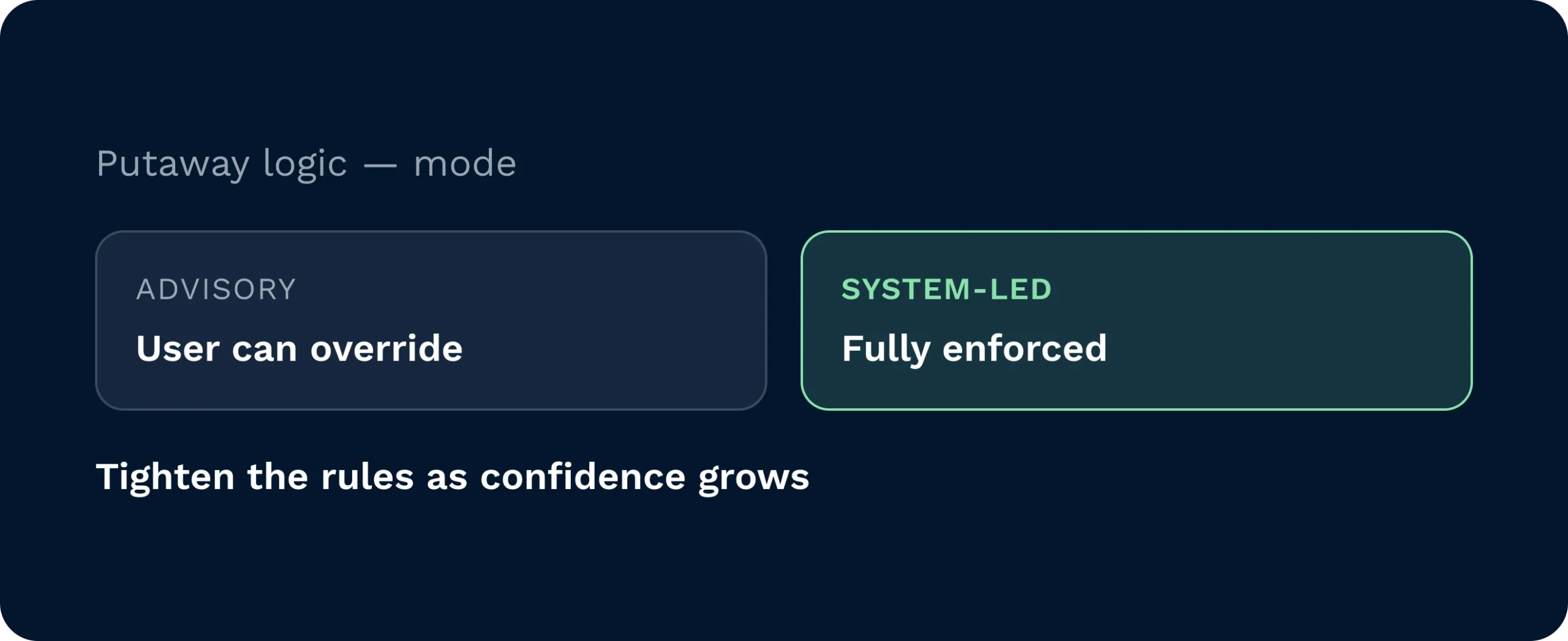
Choose advisory mode with user override, or go fully system-led. Start steady, prove the logic, then tighten the rules as confidence grows… without stalling the floor.
When every operator decides “where it looks right”, space vanishes and picks slow. Directed Putaway gives the system the job it’s best at: balancing dimensions, weight, velocity, and proximity to pick faces to choose the most efficient location instantly. Start simple or go deep with rules. Keep user overrides while you build confidence, then dial up automation. The result is steadier shifts, cleaner aisles, and storage that feels effortless.

Set the rulebook once. Align sites on space, safety, and service. With Directed Putaway, policy becomes practice… so SLAs hold through peaks and expansions without re-slotting drama.

Stop making spot calls. Operators see the best slot on their device, with clear source, route, and destination. Exceptions surface fast; travel drops; putaway hits cut-offs without lane blockages.

Turn data into location logic. Tune height/weight thresholds, popularity bands, and adjacency to pick faces. The system applies your model consistently… no lapses, no tribal knowledge gaps.
You choose. Run guidance-only to start, permit user overrides, or go fully system-led. Many teams begin with light-touch governance, then tighten rules as confidence grows. This balances control with flow and prevents early bottlenecks.
At minimum, fit to dimensions and availability. Advanced strategies consider height, weight, product popularity, proximity to pick faces, and compliance constraints. The system has a complete view of the warehouse and decides faster and more accurately than ad-hoc choices at the truck.
It shouldn’t. Start with suggestions and allow overrides so the floor never stalls. As scenarios are covered, reduce overrides. Within months (as stock turns) positions improve and downstream tasks speed up.
Rules encode limits for height, weight, hazard classes, or temperature zones. Operators are only sent to compliant locations. Scans record proof of placement for audits and investigations. Safer storage isn’t left to memory.
Yes. Keep a simple strategy in a small site and a more sophisticated one in a flagship DC. Apply customer-specific rules where required. Templates make it easy to clone and tweak across locations.
Power users can configure strategies in-platform, and our solutions consultants can help design and validate rules. Most teams start seeing benefits quickly because guidance begins working from day one… even before you fine-tune advanced criteria.
Still on the fence? Spend four minutes watching Clarus handle goods‑in, picking and dispatch. You’ll see why our customers keep saying ”yes” to new contracts.