Mis-scans slipped through with no automated check to catch them
Workflow changes waited weeks on a developer queue
Every user saw the same cluttered screen, whatever their role
New workflow versions rolled out to everyone at once, with no way back
Automated checks validate item, batch and location, blocking mis-scans
Workflows edited in minutes, cloned per site and rolled out by team
Lean UI by role, tracking only what matters like condition grading
New versions pilot with a group, then promote or roll back in one click
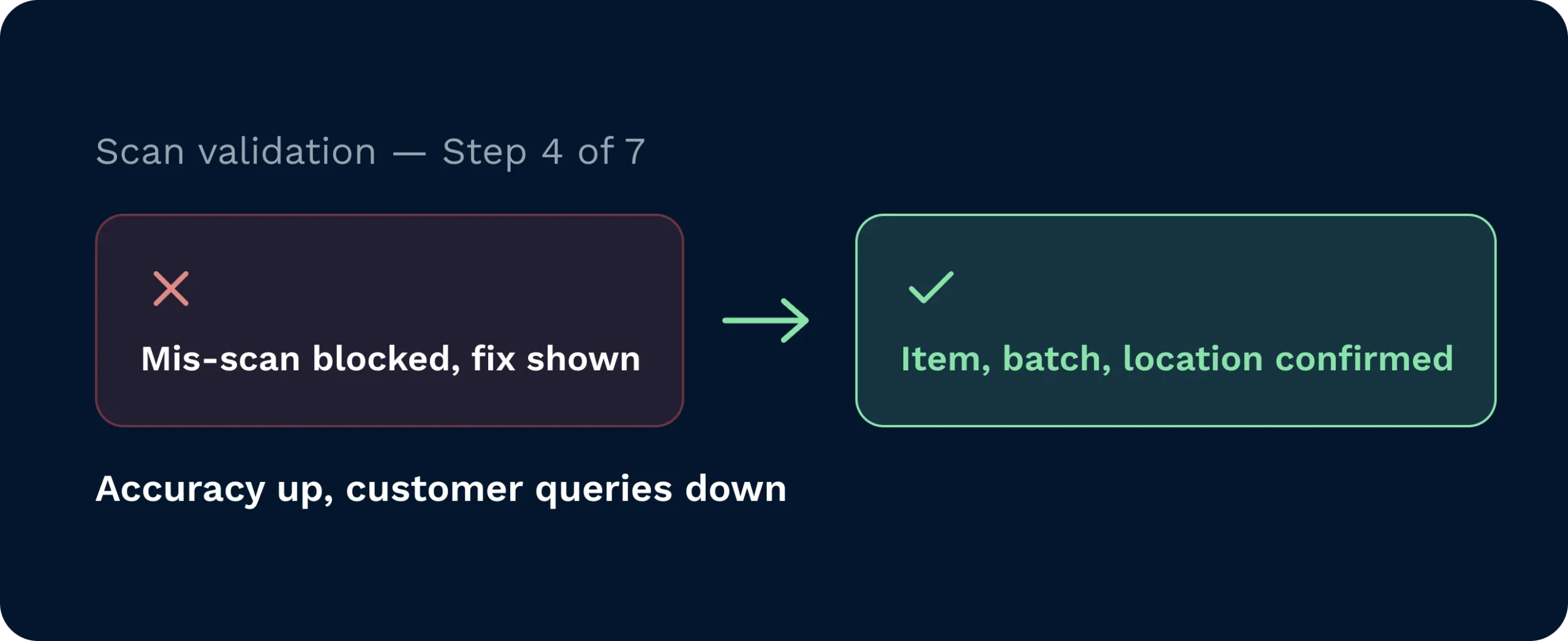
Automated checks validate item, quantity, batch or serial, and location at the point of work. Mis-scans are blocked with a clear fix. Accuracy rises. Customer queries fall.
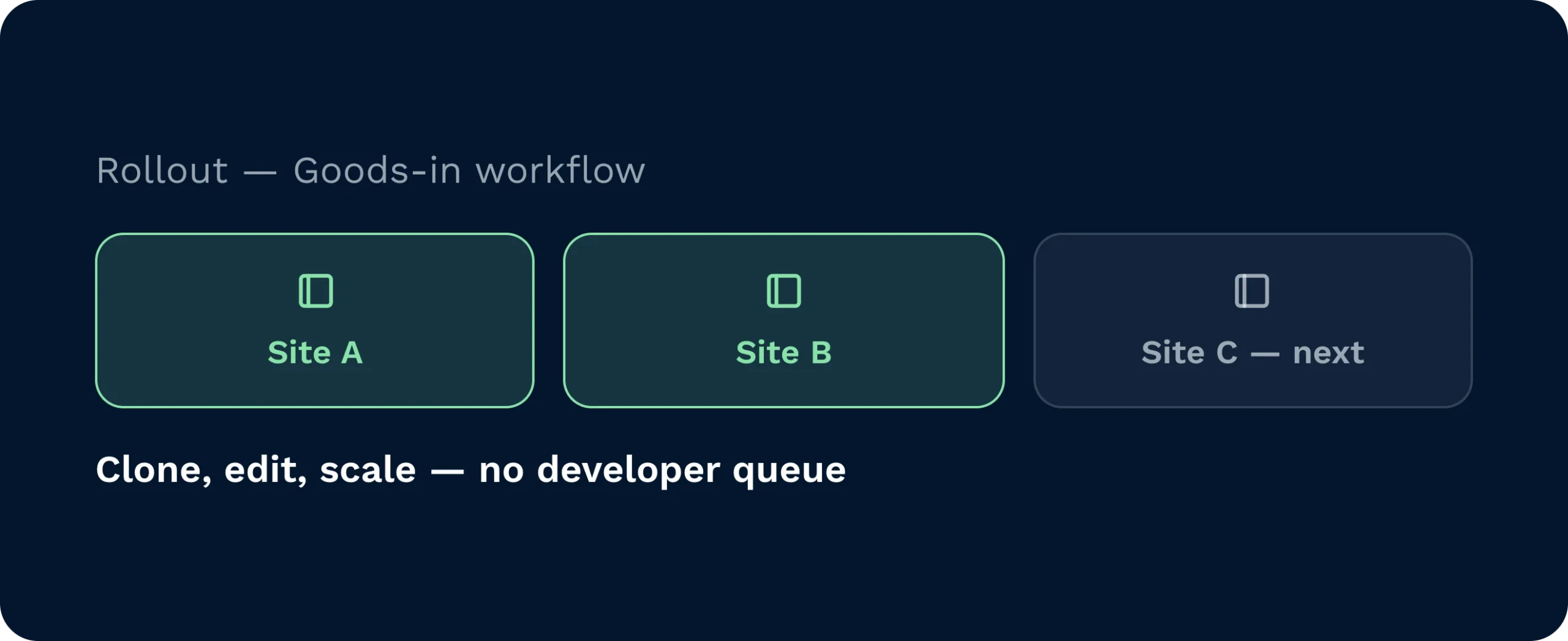
Edit workflows in minutes, not sprints. Clone per site or customer. Roll out by team or shift. Scale confidently without waiting on a developer queue.
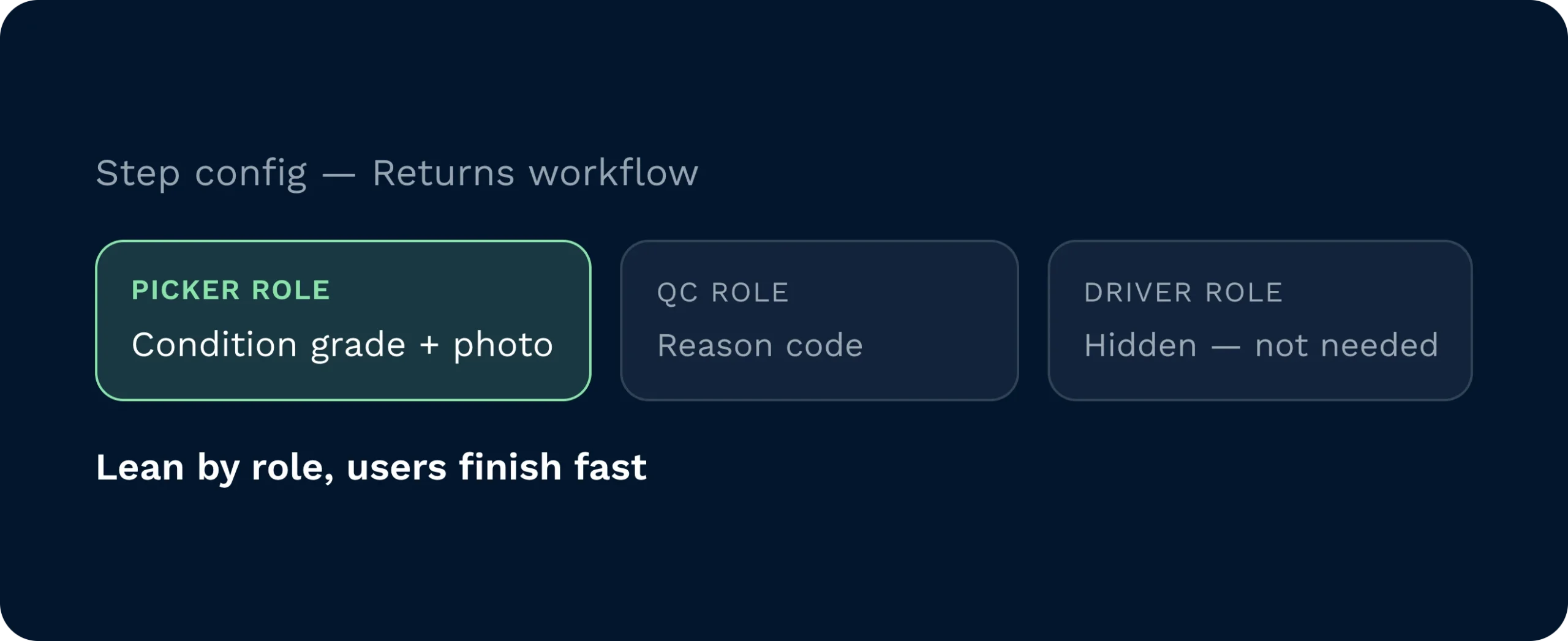
Track what matters… condition grading, photos, temperature reads, reason codes. Keep the UI lean by role so users see only what they need to finish fast.
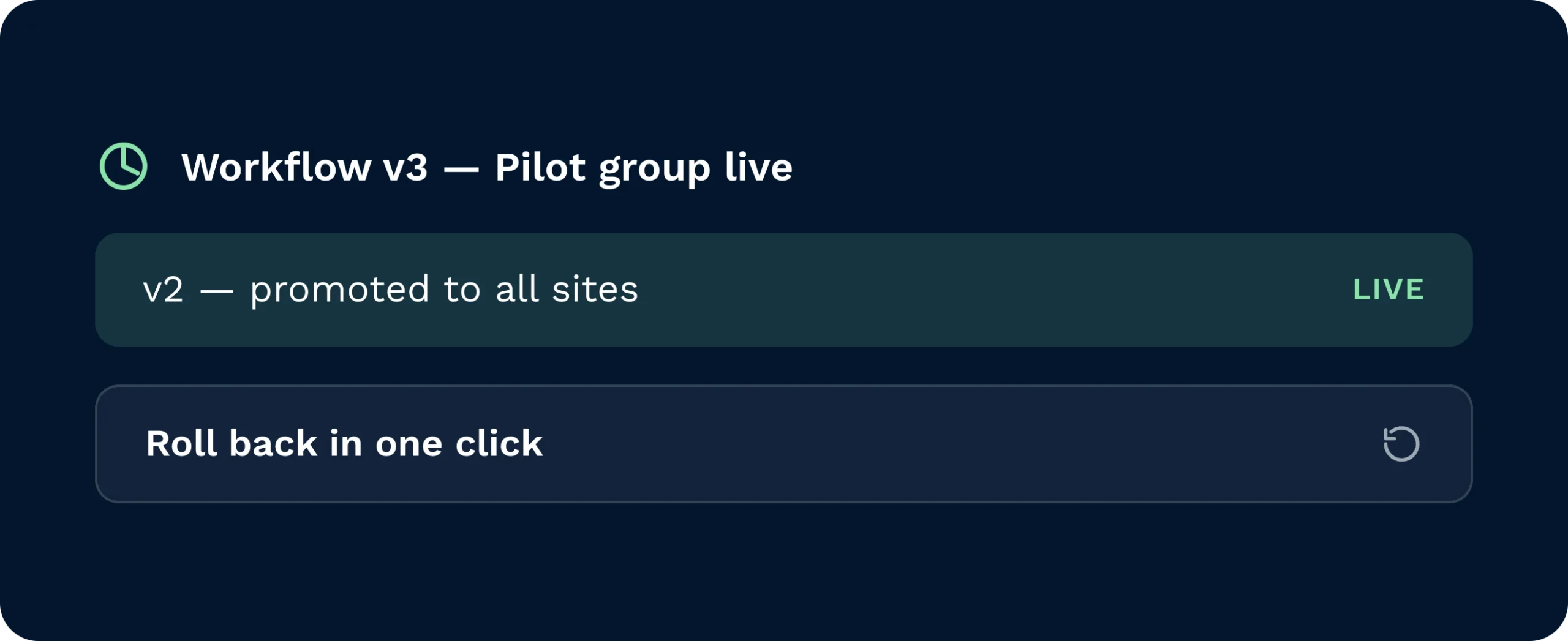
Create a new version, assign to a pilot group, measure, then promote. Roll back in one click if needed. Change control without the admin drag.
When “how we do it here” lives in heads, errors creep in and training drags. The Handheld Workflow Builder brings your method into the device. Add or remove scans. Reorder steps. Insert quality checks. Pilot with a few users, then broaden safely. Your team follows clear prompts. Your process stays consistent. Your operation keeps its pace… even as you change it.

See the impact of process changes in hours, not weeks. Protect cut-offs and cost by standardising the right steps and pruning the rest.

Swap theory for action. Build, test with a subset, observe, and scale. Less radio. More flow.

Clear, friendly prompts take the doubt out of every task. Scan, confirm, done. Fewer mistakes, faster shifts, and a smoother day build confidence on the floor.
No. Power users edit steps in the visual builder. Changes publish to selected roles or devices instantly with full version control.
Yes. Create a new version, assign it to a pilot group, and monitor results. Promote or roll back with a click. Safe experimentation is built in.
GS1/EAN validation confirms identity. Customer-specific allocation rules ensure the right variant routes to the right tote or order.
Only where it should. Conditional logic shows steps when they matter… batch on inbound, photo on damage, temperature on chill. Otherwise, users fly.
They can. Clone and tailor per account or facility. Keep a global standard and layer exceptions where needed. Governance keeps it clean.
Every step carries user, device, timestamp, and values entered. You get a defensible trail of what happened, when, and by whom (no spreadsheets required).
Still on the fence? Spend four minutes watching Clarus handle goods‑in, picking and dispatch. You’ll see why our customers keep saying ”yes” to new contracts.