Only one location per product, no way to spread stock across multiple pickfaces
Stock manually transferred into the pickface before any picking can start
Replenishment always pulls into the same single location, other pickfaces sit unused
Orders needing specific stock rules, like shelf life, had nowhere else to turn
Automatically routes to a demand pickface for shelf-life needs
A full pallet gets replenished into an empty demand location, no manual digging for stock
The task holds, then releases itself the moment replenishment lands
Continuous and demand pickfaces run together, covering both needs
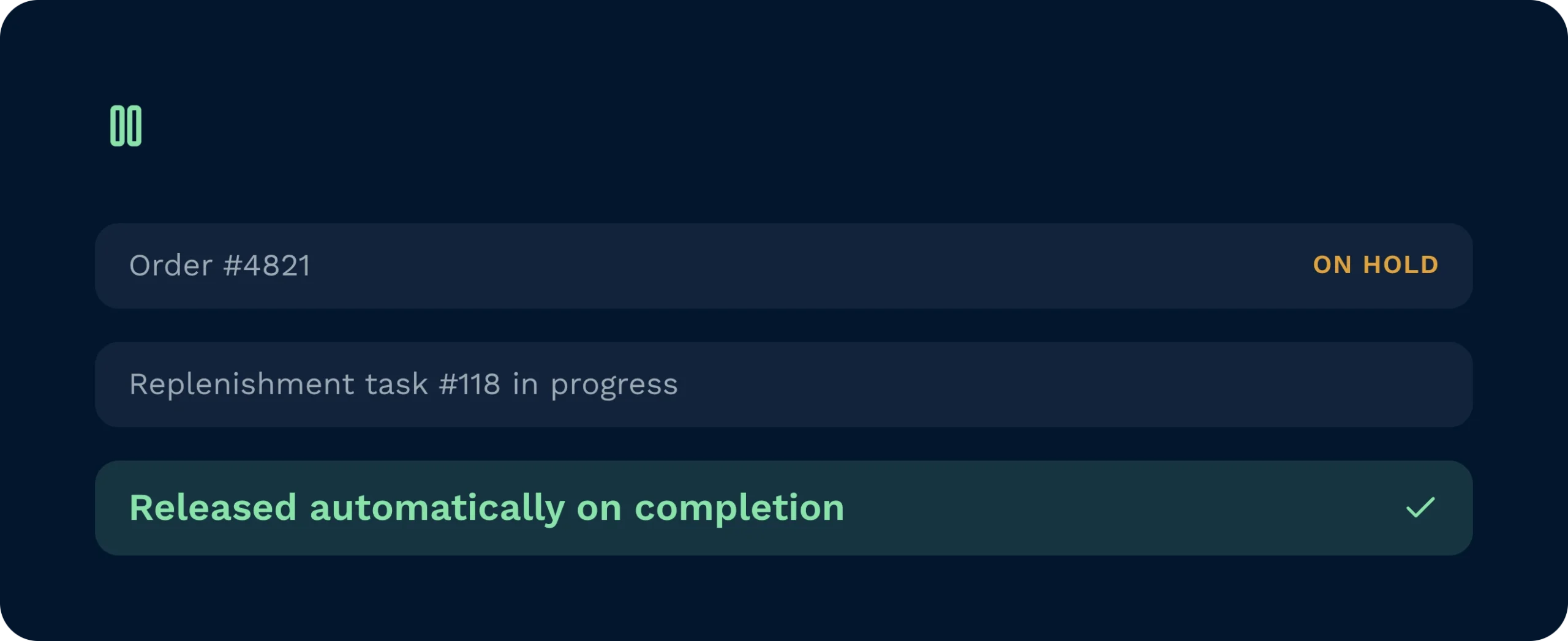
Orders that cannot be fulfilled from standard pickface stock are placed on hold automatically and released the moment the correct replenishment task is completed.
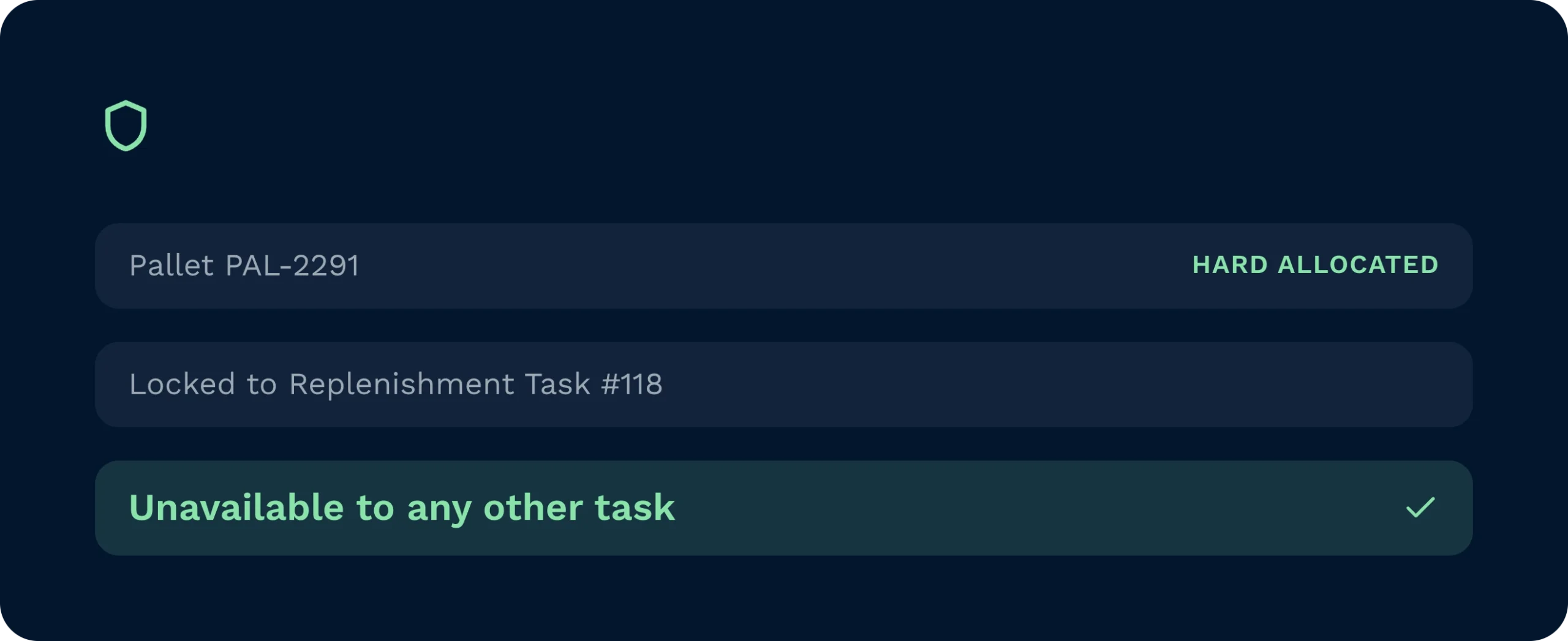
Hard allocation means the identified pallet cannot be taken by another task while the replenishment is in progress, preventing stock conflicts mid-process.
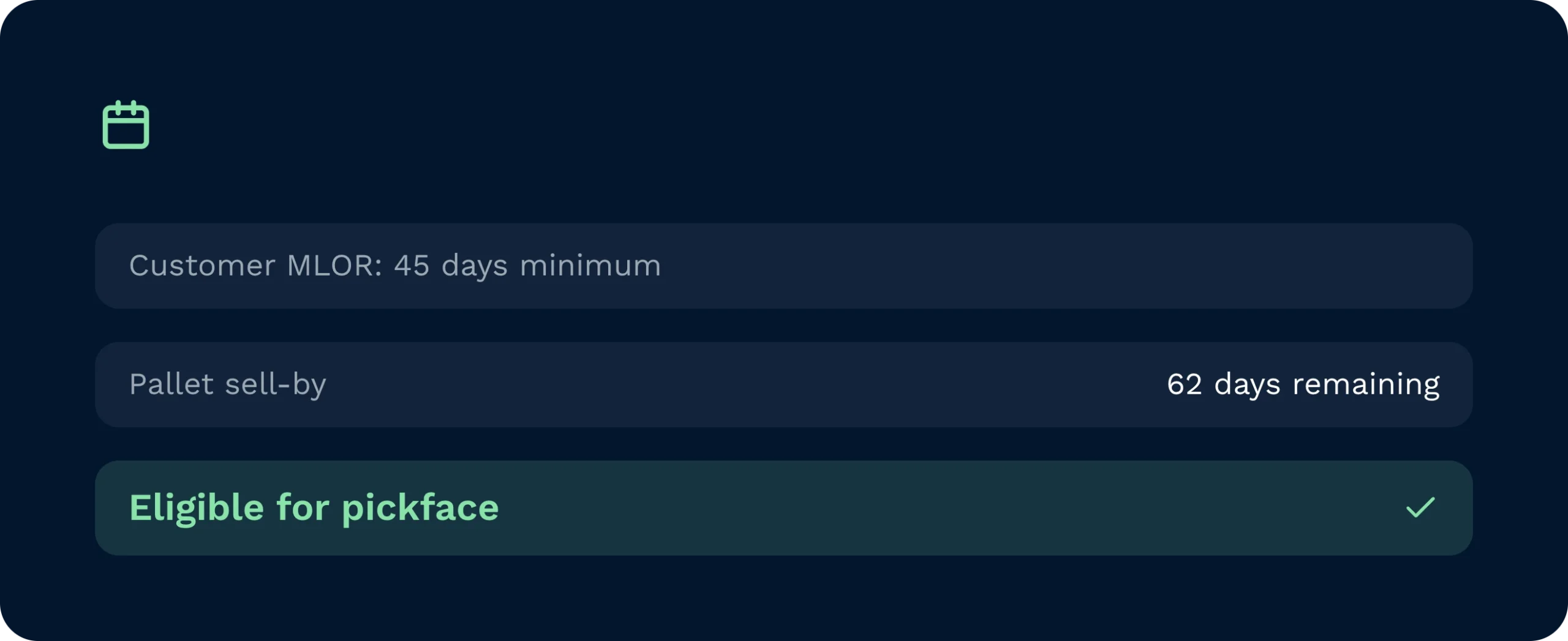
Sell-by date selection rules are applied at the point of stock identification, so only pallets that meet the customer’s minimum life-on-receipt criteria are moved to the pickface.
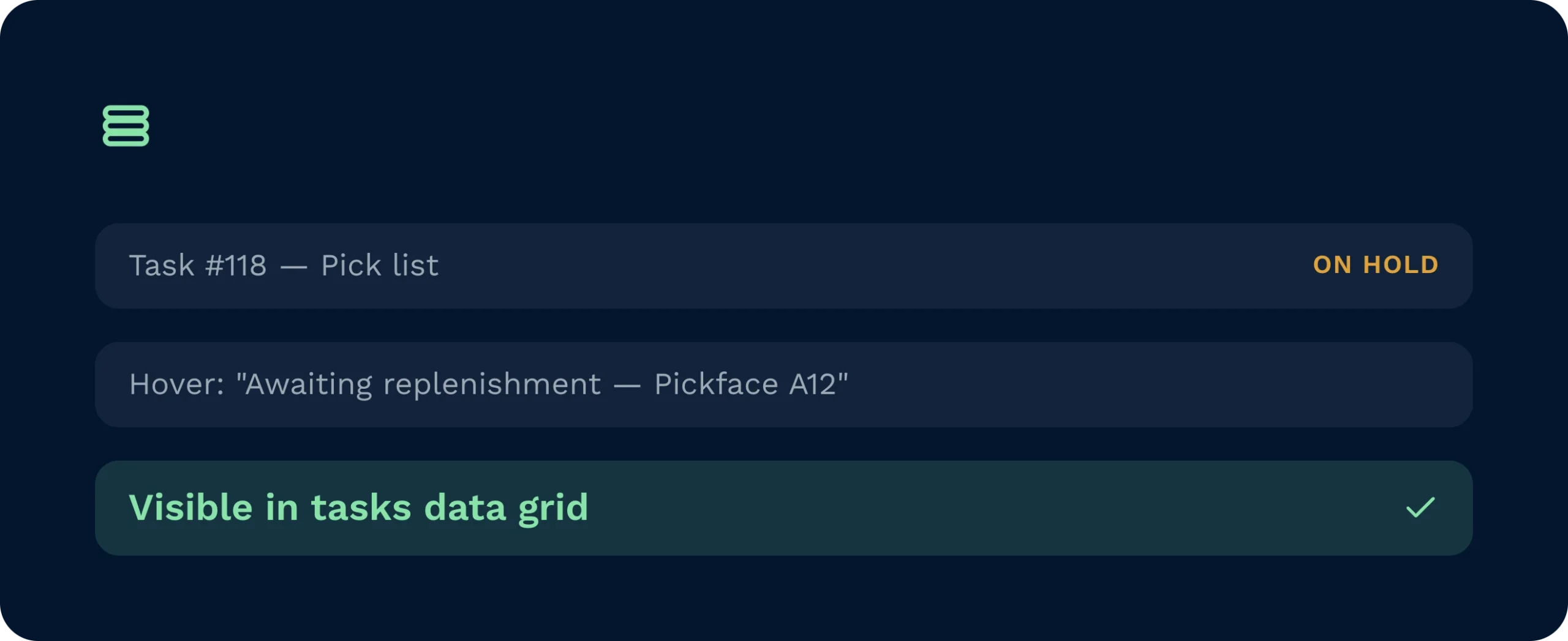
On-hold tasks are visible in pick lists and the tasks data grid, with hover detail explaining the hold reason so supervisors and pickers always know the current status.
When a sales order requires stock with a specific remaining shelf life and the current pickface stock does not qualify, Clarus places the pick task on hold and generates a targeted replenishment task pointing to the correct pallet in racking. Once the replenishment is complete, the pick releases automatically, with no manual intervention required at any stage.

Demand Replenishment removes the need for manual stock searches when shelf-life rules stall a pick, giving operations managers full task visibility and automatic resolution.

Pickers see on-hold status clearly in their task list and can hover to understand exactly why, so no time is wasted chasing supervisors for answers on the floor.

Per-customer MLOR rules are respected automatically, so account managers can confidently promise date-compliant fulfilment without relying on manual checks or floor intervention.
Demand replenishment is set per pickface location within the product setup screen. Select Demand Replenishment as the replenishment type for the relevant location. No minimum or maximum stock thresholds are required because replenishment fires based on order need, not stock level.
Yes, and this is the recommended approach. Configure a primary pickface with continuous replenishment for standard volume picks and a second pickface with demand replenishment as a safety net for orders that require date-specific stock. The two types complement each other without conflict.
Stock selection is driven by the account’s pick rule. In Sell By Date mode, the system applies the customer’s configured shelf-life minimum and maximum to identify a qualifying pallet in racking. In FIFO mode, it selects the earliest-received stock. The replenishment always moves a full pallet, never a partial quantity.
If the demand pickface still holds stock, the replenishment task is generated but held until the location is empty. This prevents mixed shelf-life stock from sitting in the same location. Once the location clears, the replenishment task becomes available for completion.
The pick task is placed On Hold automatically. It is visible in pick lists and the tasks data grid, and operatives or supervisors can hover over the task to see the specific reason for the hold. Once the replenishment task is completed and the stock is scanned into the demand pickface, the pick task releases automatically without any manual intervention.
Yes. If operational circumstances change before the replenishment task is actioned, it can be cancelled via the Tasks data grid in Clarus. [Placeholder: confirm whether cancelling the replenishment task also automatically releases or removes the associated on-hold pick task.]
¿Aún indeciso? Mire durante cuatro minutos cómo Clarus maneja recepción de mercancías, preparación de pedidos y expedición. Verás por qué Nuestros clientes siguen diciendo ”sí” a nuevos contratos.