

Export data and wait on IT to build the report
Static spreadsheets, out of date before they land
Bulk changes made blind, with no guardrails
One format, one audience, reformat by hand for the next
Ask a question, get a live answer back
Charts and tables from the same live data, no export
Guardrails, approvals and an audit trail on every action
Say “pie chart” or “line chart”, same data, new view, instantly
Skip the filters and drop the exports. Ask for task status, late orders, or top pickers and get a clear table with charts instantly. Save the prompt once and reuse it daily.
Move past dashboards and act faster. Tell the assistant to quarantine short-dated lots, release holds after QA, or assign work to a zone. It validates what’s needed and executes with your permissions.
Everything runs on live Clarus data… no stale sheets, no rekeying. The assistant queries directly and gives consistent answers. Managers get control without extra clicks.
Turn reliable prompts into repeatable runs. Expiry sweeps. Carrier cut-off risk. Pick leaderboards. Every automation executes on schedule with the same logic, the same rules, and the same audit trail.
Warehouses struggle when teams can’t get answers fast enough or can’t act on them. That’s the gap the Clarus AI Assistant closes. It sits inside Clarus WMS, giving you clear answers in seconds and safe actions in the same moment.
Ask a straight question and get the view you need instantly. When something needs fixing, tell it to act: put a lot on hold, trigger rework, or create tasks in bulk.

Ask for today’s tasks by status and area, see bottlenecks, and apply the fix in one flow. Saved prompts standardise stand-ups. Automations deliver the same checks before the shift even starts.

Ask “What expires this week?” and get a clean, sortable list with lots, quantities, and locations. Tell the assistant to place short-dated lots on hold, assign relabel tasks, or reallocate to priority orders.

Own safety and scale. Configure permissions once, expose the MCP tools the assistant can use, and publish a curated prompt catalogue.
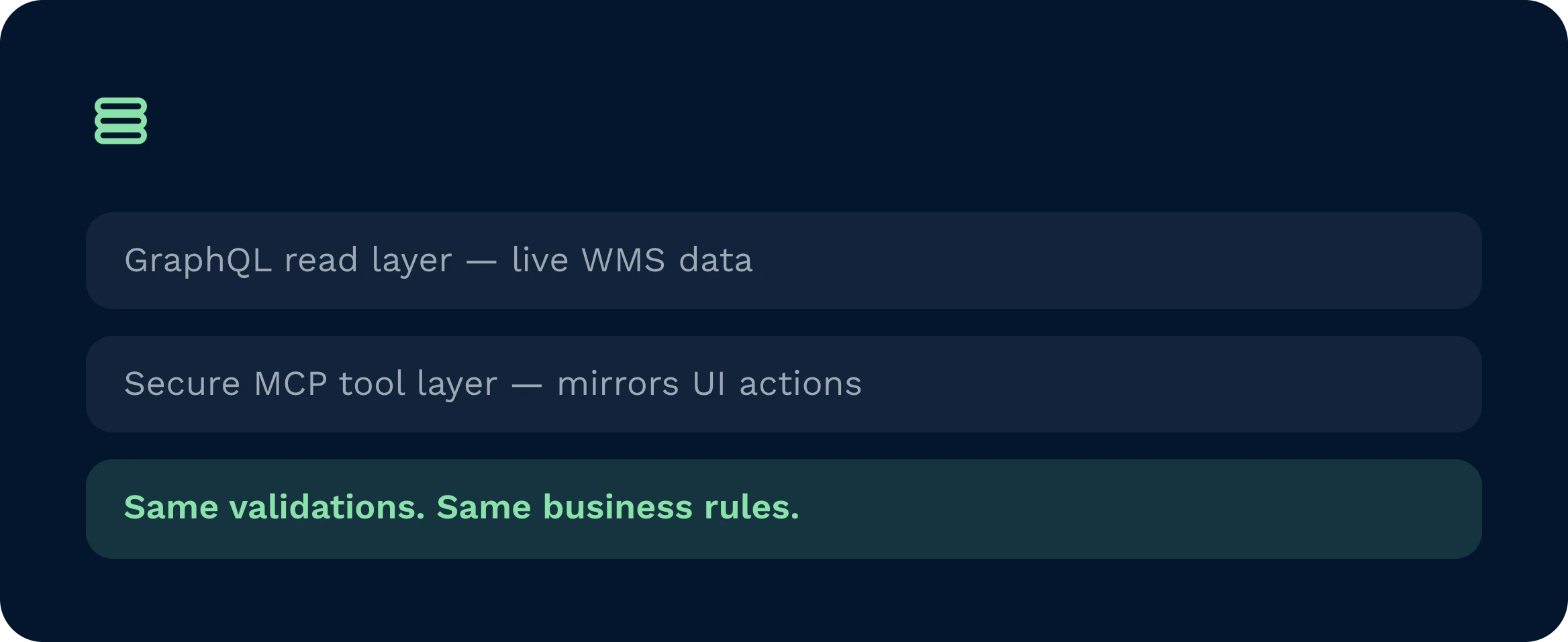
The assistant is native to Clarus WMS. It reads through GraphQL and acts through a secure MCP tool layer that mirrors UI capabilities. Validations and workflows are reused, not bypassed, so you keep the same business rules. Role-based access governs what can be seen and done. There are no side databases, no nightly batches, and no brittle connectors to maintain. Implementation is incremental and safe.
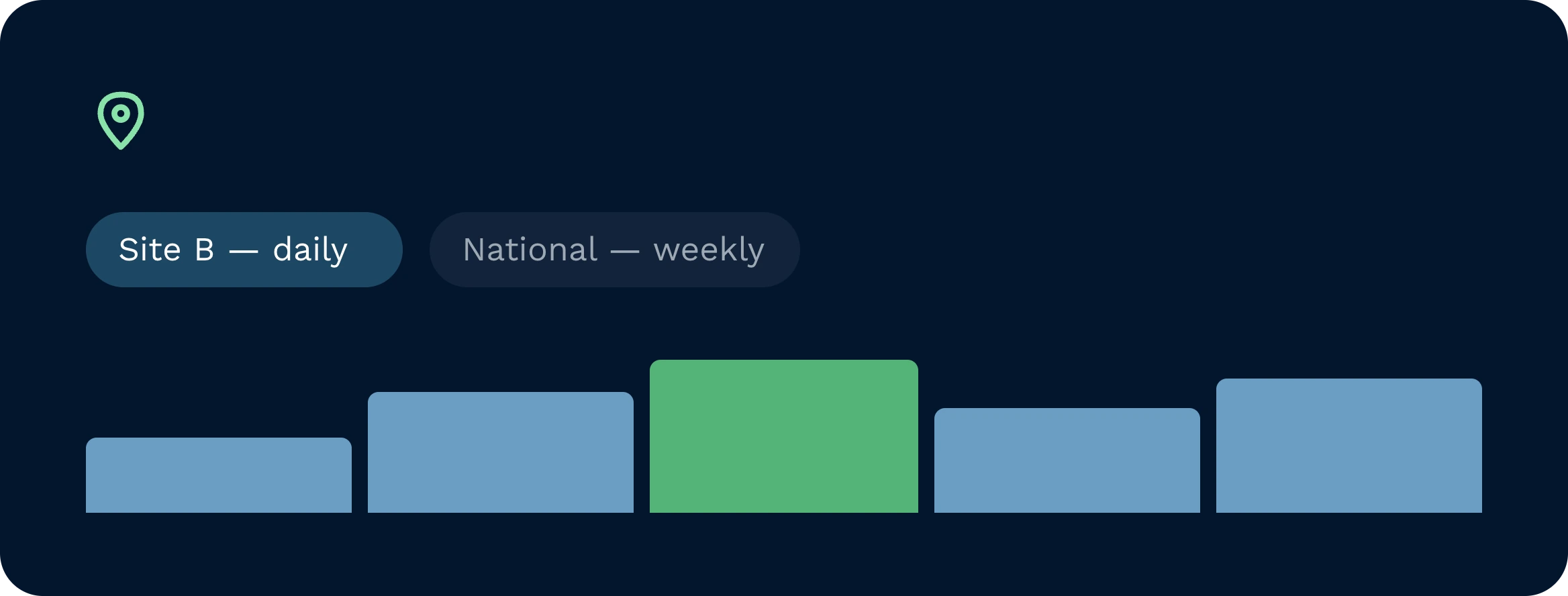
Yes. Prompts can be scoped to site, customer, region, or brand. A regional manager might subscribe to a daily expiring stock report per site, while a national lead receives a consolidated view. Role permissions ensure people only see and act on what they are allowed to touch. Automations respect those scopes when they run on schedule, keeping control tight across locations.
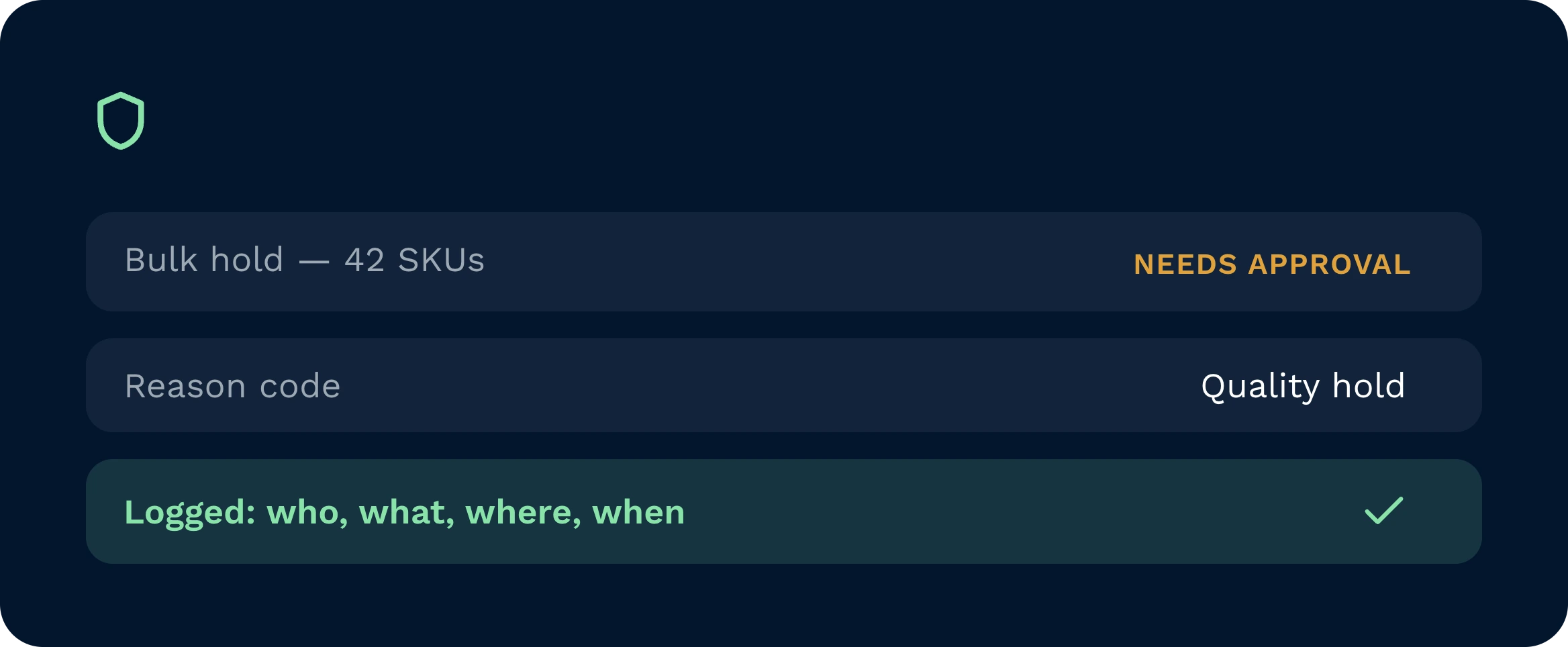
Actions execute with the caller’s role and pass through the same validations as the UI. Additional guardrails restrict bulk size, request confirmations for sensitive operations, and enforce mandatory fields like reason codes. You can require dual approval for defined tasks and route notifications to Slack, Teams, or email. Every action is fully auditable with who, what, where, and when recorded.
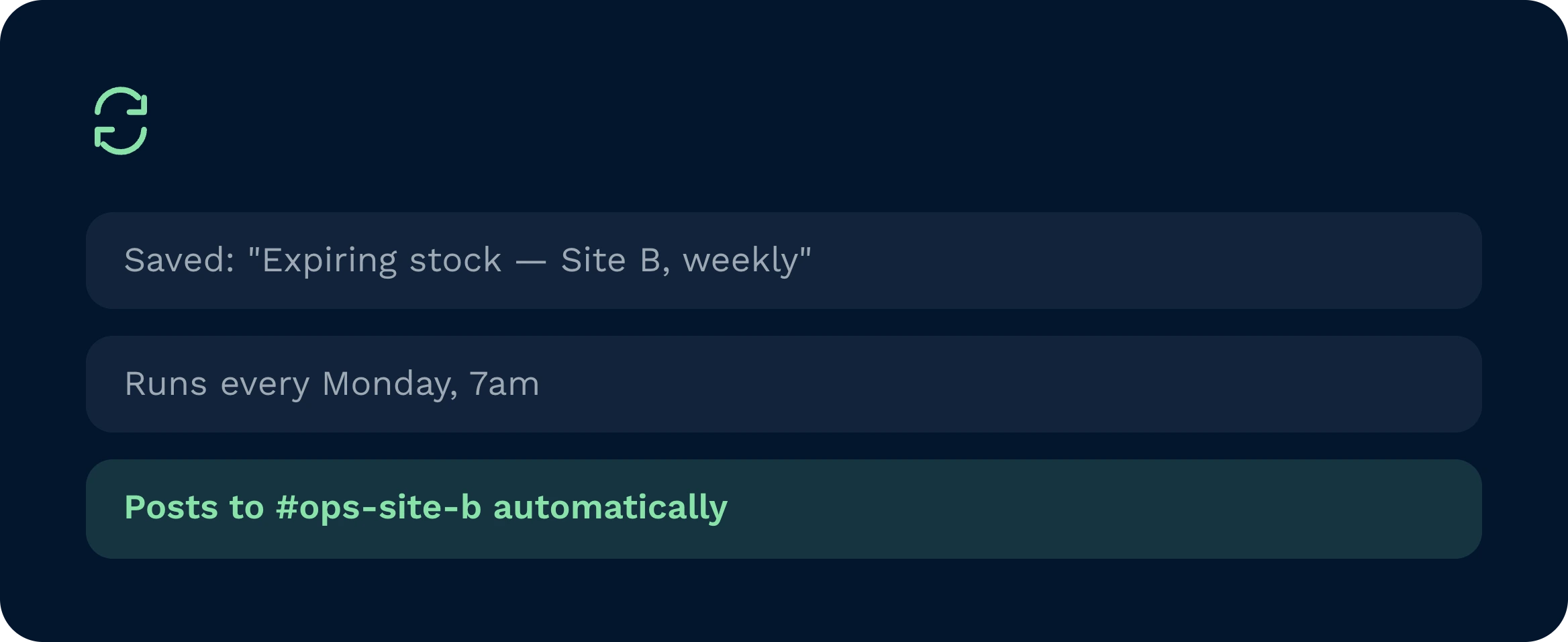
Any useful prompt can be saved. The assistant stores intent, filters, and preferred outputs. One click re-runs it. Scheduling turns it into an automation that posts results, opens tasks, or executes configured actions. When you update a prompt, future runs inherit the change. That’s how you standardise good behaviour and remove manual chase from daily routines.
Absolutely. Say “pie chart of the top five” or “line chart by day”, and the assistant reformats the same dataset without a fresh query. Because the source is live, visuals stay accurate. Links can be shared to the saved prompt, so teams compare like-for-like rather than exporting spreadsheets and creating version sprawl. It keeps analysis fast and consistent.
Implementation is straightforward. IT maps role permissions, enables the MCP tools aligned to your use cases, and publishes a starter prompt catalogue. Teams start read-only, then add safe, high-value actions such as holds or task creation. Training focuses on the art of a good prompt. Most organisations see value within days, then expand coverage as confidence grows. Timelines vary with scope and change control.
Still on the fence? Spend four minutes watching Clarus handle goods‑in, picking and dispatch. You’ll see why our customers keep saying ”yes” to new contracts.