How does image capture fit into daily warehouse tasks?
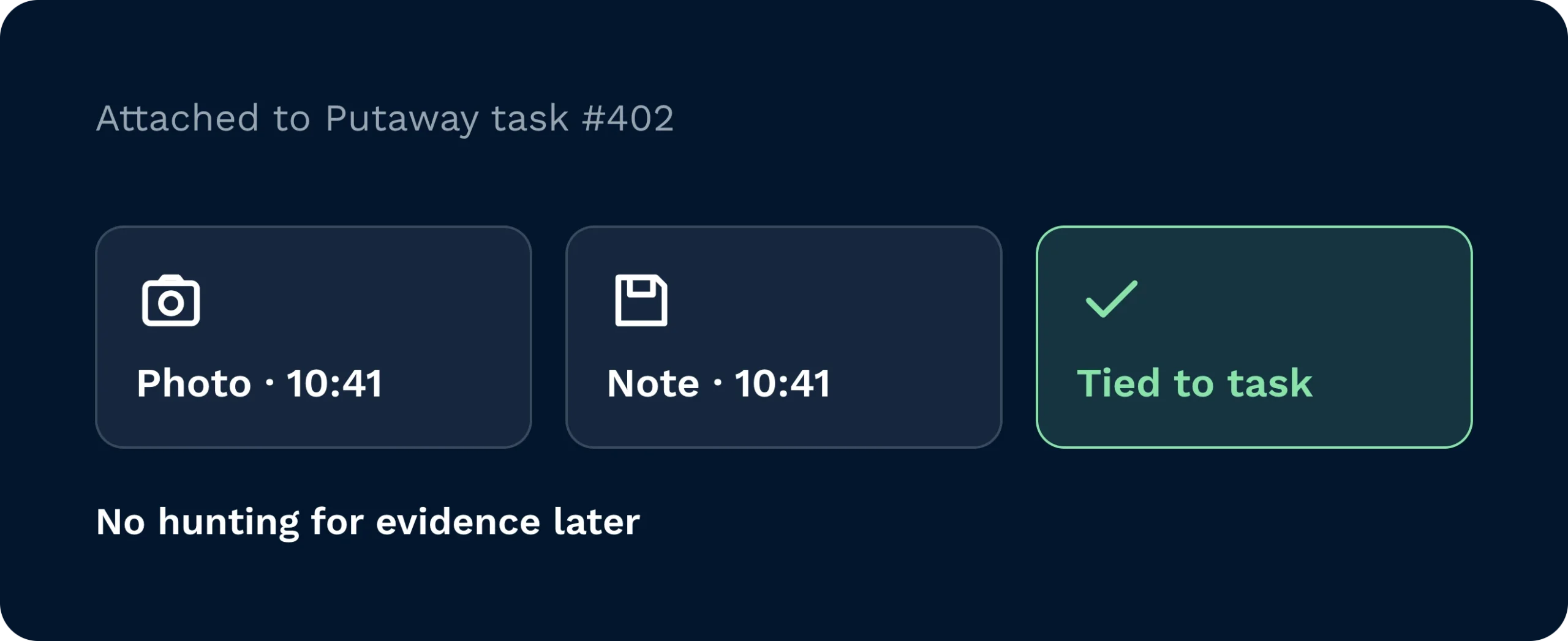
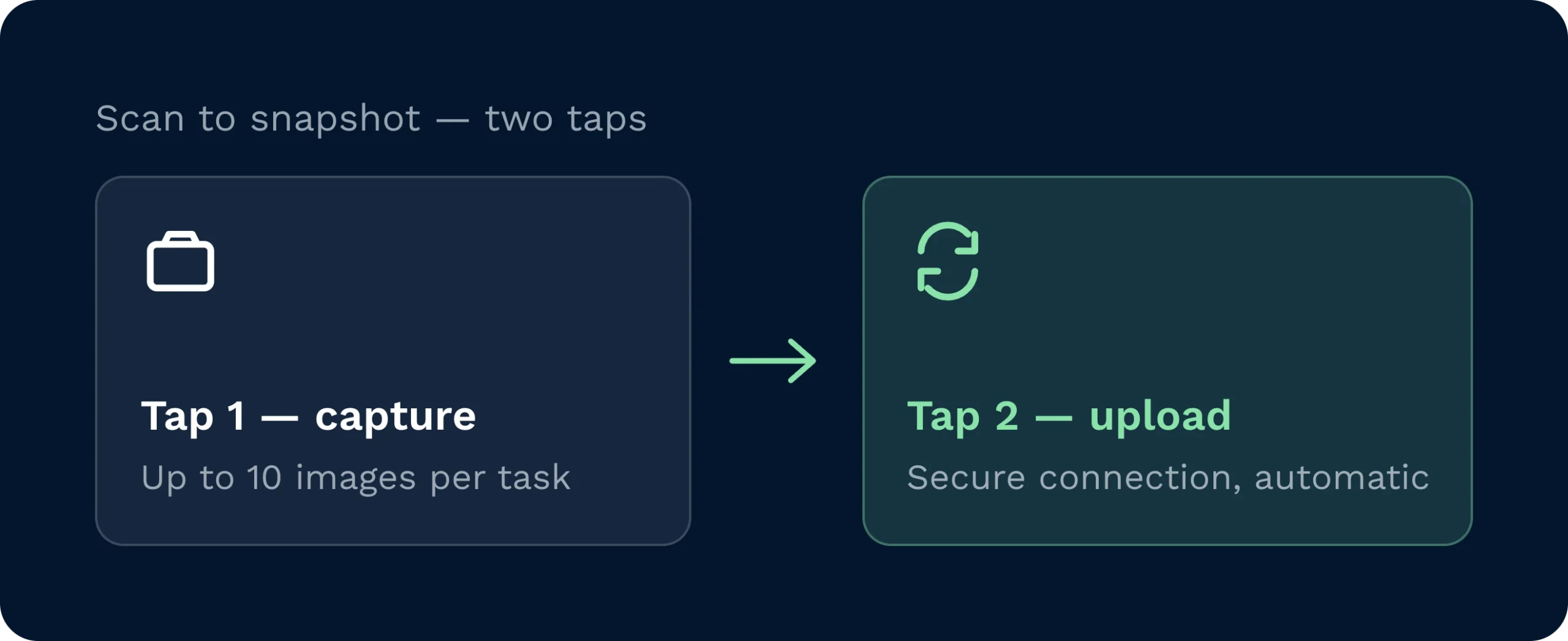
Clarus weaves photos into existing tasks so operatives don’t break stride. During receipt, putaway, picking or dispatch, they open the task and capture images (labels, pallet faces, damage areas) then confirm. The system links those images to the correct reference automatically. Managers can view attachments from the receipt or task screens, browse with a carousel, and download images for claims or customer emails. It’s designed to be quick, obvious and reliable, without creating new steps or side processes.
Will this slow down goods-in during busy periods?
No.. speed is the point. The capture component loads quickly, remembers existing attachments, and keeps the interaction to a few clear taps. On handhelds, the camera opens directly; on desktop, users can upload files if a camera isn’t available. By capturing proof of receipt photos at the point of work, you avoid long investigations later and keep the bay moving. In most operations, a few seconds per pallet pays back minutes (or hours) when disputes arise.
Can we use the images for carrier or supplier claims?
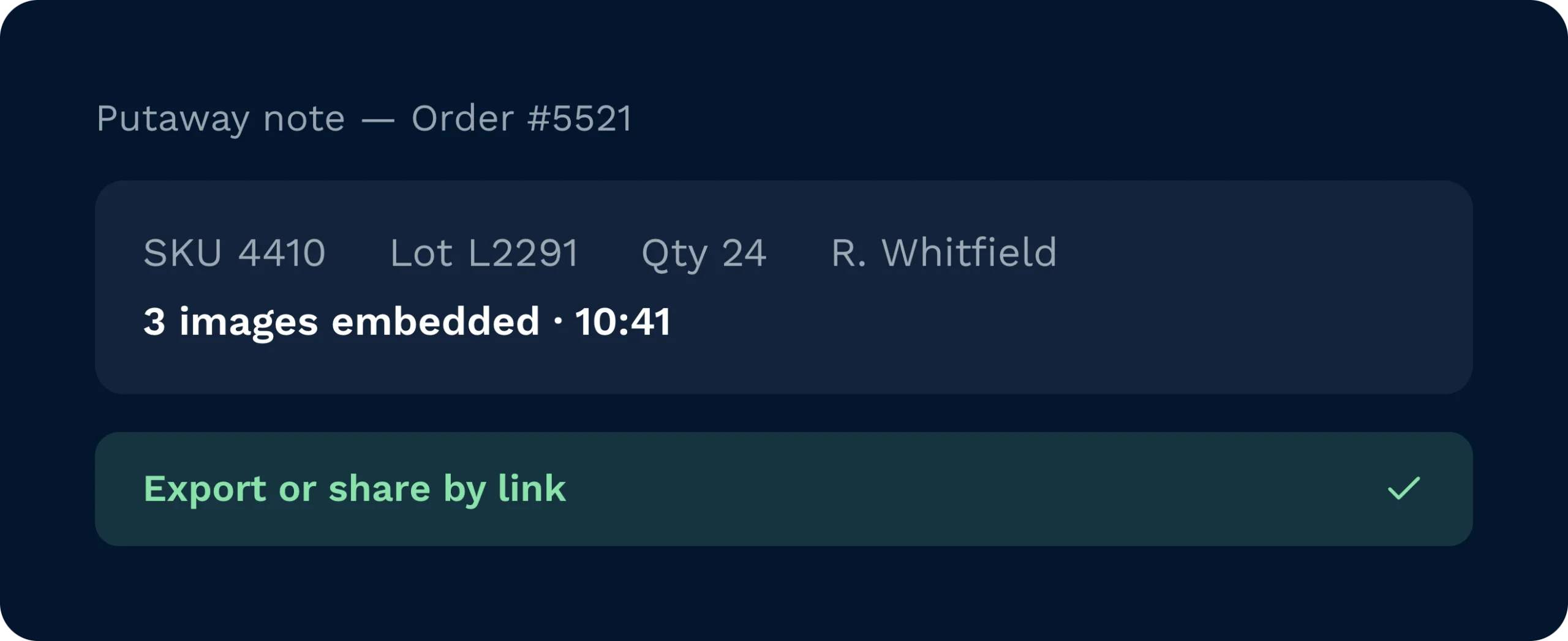
Yes. That’s one of the main benefits. Images provide the WMS damage evidence carriers and suppliers expect: close-ups of affected areas, label shots for identification, and wider context frames showing the pallet on arrival. Because photos are stored against the relevant task or receipt, your team can retrieve and share them in moments. Many customers also include them in putaway notes or outbound reports to prevent disagreements further downstream.
What about storage, retention and access control?
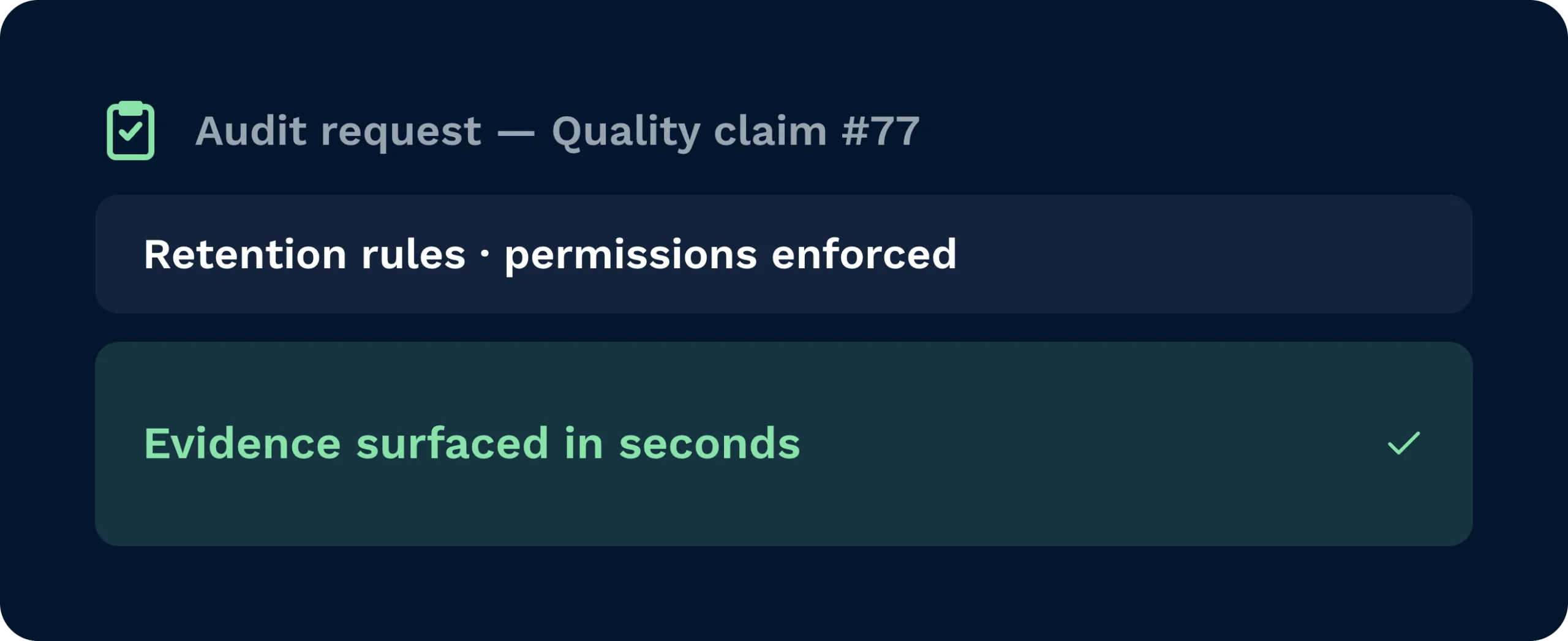
Images are stored with the same governance as other operational attachments. You define retention periods and access permissions by role, ensuring sensitive information stays in the right hands. Exports are traceable, with downloads available for audited communication to customers. If your organisation needs specific retention rules, we can support policy configuration to match them.
Can the system capture other file types, like PDFs?
Today, the focus is streamlined warehouse image capture for speed on the floor. The current UI prioritises photos because they’re the fastest way to record condition and context. We do support attachments from desktop upload, and multi-type capture (e.g., PDFs) is on the roadmap alongside UI enhancements like thumbnail film strips and duplicate deletion. If you already have a requirement, tell us and we’ll align your rollout plan accordingly.
How do customers see the images?
You decide. Managers can download selected photos and share them in a customer email, or include them automatically in documents such as putaway notes or shipment confirmations. The goal is transparency: give customers immediate proof of receipt photos when something looks off, and a clean record when everything is fine. It’s a simple way to reduce back-and-forth and show you’re in control.